
Does Switching Nameservers Affect an Aged Domain’s SEO Trust?
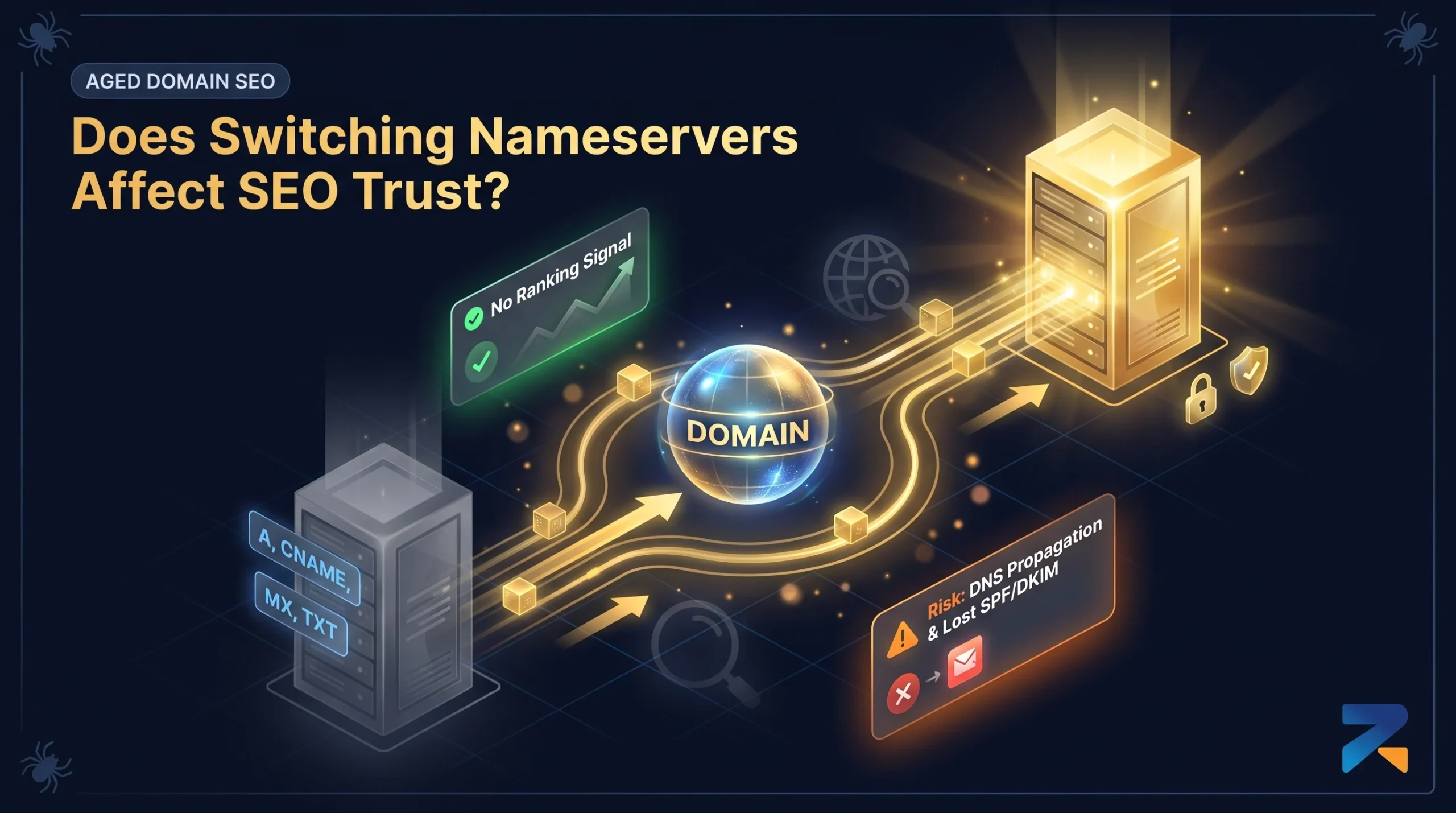
No — nameservers are DNS infrastructure, not a ranking signal, so moving an aged domain to a new nameserver provider (Cloudflare, Route 53, your registrar’s default) doesn’t reset trust or authority on its own. The real risk is operational: a botched migration that causes DNS resolution errors or extended downtime, which Google’s crawlers do notice.
Last updated: September 2026.
Why Nameservers Don’t Carry an SEO Signal
A nameserver tells the internet which servers hold the authoritative DNS records for a domain — it’s infrastructure plumbing, not a characteristic Google’s ranking systems evaluate. Google has never indicated that nameserver provider, or a change in that provider, factors into how a domain is ranked. What matters is whether the domain resolves reliably and serves the correct content after the switch.
Where Nameserver Changes Actually Create Risk
- DNS propagation gaps. A misconfigured record during the switch can make the domain intermittently unreachable, and repeated crawl failures during that window can cause Google to temporarily reduce crawl frequency or drop pages from the index until resolution stabilizes.
- Lost DNS-level records. SPF, DKIM, and other TXT records tied to email deliverability are easy to forget when migrating nameservers, and while these don’t affect search rankings, they can break a domain’s outbound email — a common oversight after buying an aged domain.
- CDN or security settings tied to the old provider. If the previous nameserver host also handled Cloudflare-style proxying, WAF rules, or caching, switching providers without replicating those settings can change page load behavior in ways that do affect Core Web Vitals.
How to Switch Nameservers Without Risk
- Copy every existing DNS record (A, CNAME, MX, TXT, SPF/DKIM) to the new provider before updating the nameservers at the registrar, so nothing resolves incorrectly during the transition.
- Keep TTL values low in the days before a planned switch, so any correction propagates quickly if something is missed.
- Verify the domain resolves correctly from multiple locations after the switch, and check Search Console’s Crawl Stats report over the following week for any spike in DNS or connection errors.
Frequently Asked Questions
Does changing an aged domain’s nameservers hurt its SEO rankings?
No, not directly. Nameservers are DNS infrastructure and aren’t a ranking factor. The only real risk is a misconfigured migration causing resolution errors or downtime that affects crawling.
Do I need to notify Google when I change nameservers?
No notification is required. As long as the domain continues to resolve correctly and serve the same content, Google’s crawlers adapt automatically on their normal schedule.
Can a nameserver change break email on an aged domain?
Yes, if SPF, DKIM, or MX records aren’t copied over correctly during the migration. This affects email deliverability, not search rankings, but is a common oversight worth checking.
How long should I wait after a nameserver change before checking for issues?
Check Search Console’s Crawl Stats report within the first week after switching for any spike in DNS or connection errors, since propagation issues typically surface within a few days.
Related Guides
Sources & Further Reading