
Buying an aged domain often feels like striking gold—right up until you have to update the administrative details. A lot of SEOs and site builders hesitate at this exact step. You stare at the registrar dashboard wondering: If I update the WHOIS registrant info, is Google going to notice the ownership change and wipe out the domain’s historical authority? Will it throw me back into the sandbox?
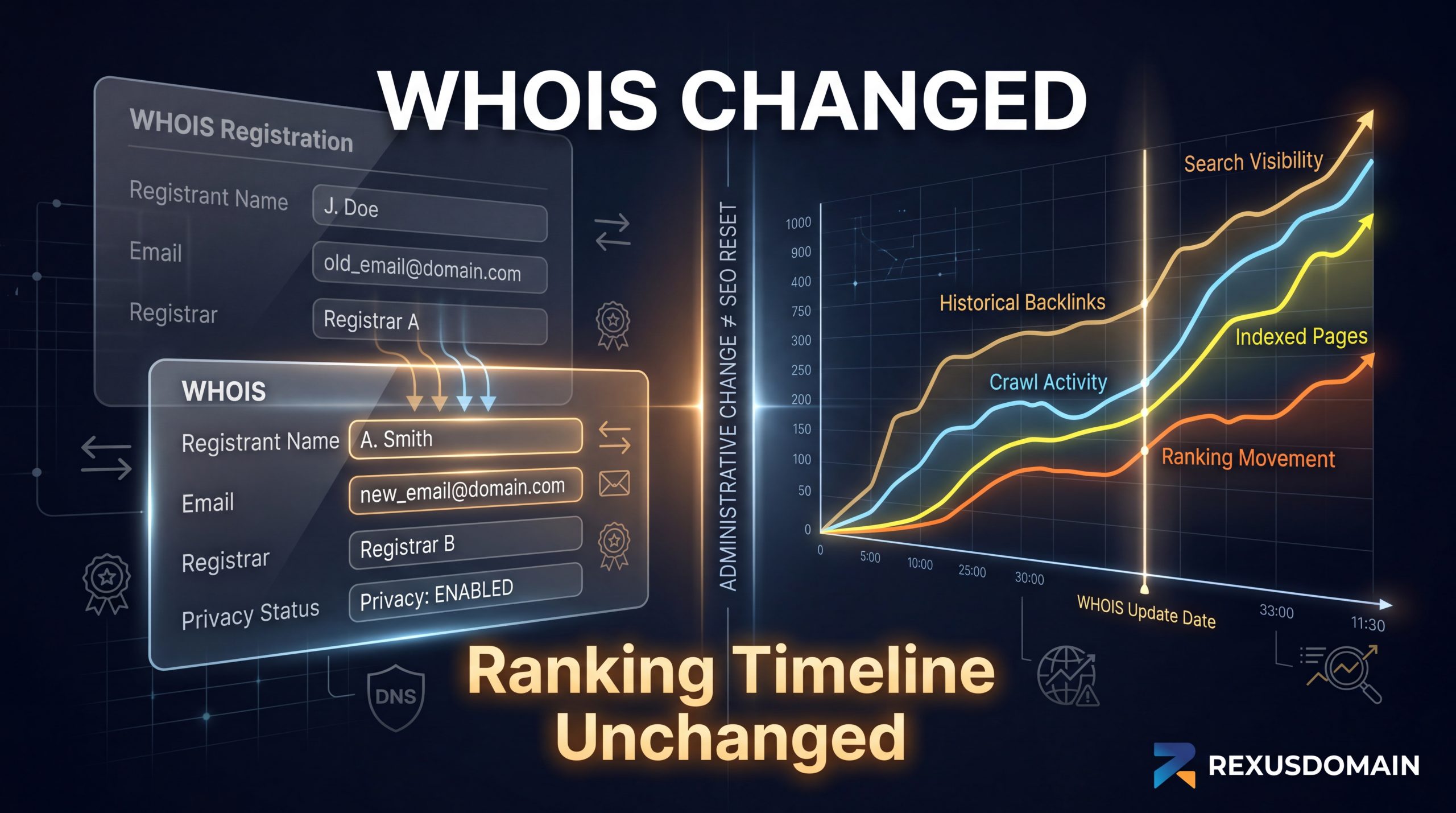
Let’s clear the air immediately. Updating your name, address, or email in a WHOIS directory does not trigger a ranking reset.
This post breaks down exactly what a WHOIS change signals to search engines, why the sandbox myth persists, and the real timeline you should expect when reviving an expired or aged domain.
The Big Myth: WHOIS as a Ranking Factor
Where did this idea come from? The fear mostly stems from confusing domain registrar data with Google Search Console (GSC) verification.
Back in the wild west days of SEO, people assumed Google scraped WHOIS data to map out private blog networks (PBNs) and would automatically devalue a site the second it changed hands. The reality today is quite different. Thanks to GDPR and widespread domain privacy protection, the vast majority of WHOIS data is redacted anyway.
Google does not monitor WHOIS changes as a ranking signal. A registrar update doesn’t prompt the algorithm to re-evaluate your site, nor does it reset your domain’s authority back to zero.
What Actually Happens When You Update Registrant Details?
While the algorithm doesn’t care about your WHOIS update, your tracking tools definitely might.
When you change the registered owner of a domain—especially if it involves transferring the domain to a entirely new registrar or host—the existing DNS records or uploaded HTML files often get wiped. This causes you to lose your domain ownership verification in Google Search Console and Google Analytics.
This is a verification requirement, not a ranking penalty.
Once you re-verify the property, your rankings don’t magically tank just because a new name is on the account. In practice, almost all aged domain acquisitions involve a WHOIS change. If you properly re-verify ownership in GSC within a few days, there is zero ranking impact.
The Hidden SEO Risk
There is only one scenario where a WHOIS transfer actually hurts your SEO: when you fail to update your GSC verification.
If GSC loses access and you don’t fix it, you lose all visibility into what’s happening under the hood. You won’t get alerts for sudden crawl errors, 404 spikes, index coverage drops, or manual spam actions. Leaving those technical problems unfixed is what indirectly kills your SEO—not the name change itself.
The Real Factors Controlling Aged Domain Reactivation
So, if WHOIS doesn’t dictate the timeline for ranking changes after a domain changes hands, what does? The speed at which an aged domain bounces back in the SERPs depends entirely on how you rebuild it.
-
Content Relevance: Are you honoring the topical authority the domain used to have? If you buy a domain previously known for local plumbing and suddenly rebuild it as a software review site, Google is going to stall your rankings while it figures out the massive topical shift.
-
Backlink Decay: Do the old links still point to live pages? If you don’t set up proper 301 redirects mapping the old URLs to your new structure, you bleed out the exact link equity you paid for.
-
Crawl Budget and Frequency: When you flip an aged domain live, Googlebot needs time to crawl the new HTML architecture, parse your JSON-LD schema, and evaluate your page experience. Clean code speeds this up; messy migrations slow it down.
Best Practices for Domain Transfers
To ensure a smooth transition without losing historical traction, follow a strict order of operations:
-
Update WHOIS immediately. Don’t drag it out or try to hide it. Turn on standard WHOIS privacy if you want, but get the transfer over with.
-
Verify GSC via DNS. Skip the HTML tag verification. Use a DNS TXT record to verify GSC. DNS verification survives server migrations, CDN changes, and theme swaps.
-
Check for Manual Actions. The absolute first thing you should do upon gaining GSC access is check the “Security & Manual Actions” tab. If the previous owner caught a spam penalty, you need to submit a reconsideration request before you worry about ranking timelines.
Don’t sweat the administrative paperwork. Fix the WHOIS, secure your tracking properties, and spend your energy where it actually matters: building a clean site structure and publishing content that deserves to rank.