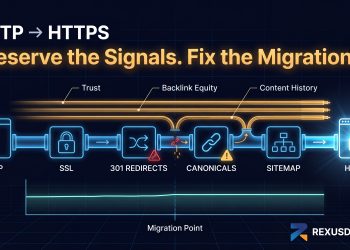

Okay so. Real talk for a second.
Building links from scratch in this industry? It’s rough. Like genuinely rough. A friend of mine — good guy, knows his SEO stuff — spent something like eight months doing outreach for his casino affiliate site. Cold emails. Follow-ups. More follow-ups. The whole grind. He probably sent, I dunno, maybe 400 emails? And his site was still buried on page four. Page four! After eight months!
Meanwhile this other dude I know, he picks up some random expired domain that used to be a sports blog. Nothing fancy. Points it at his money site with a 301. Three weeks go by and boom — rankings start climbing. No outreach whatsoever. Zero guest posts. He basically just… skipped the line.
That’s when it really hit me. Why am I grinding from zero every time when I don’t have to?
But here’s the thing though. And I cannot stress this enough. Mess this up? You’ll absolutely wreck your site. I’ve seen it happen. So lemme walk you through how to actually do this without blowing everything up.
What Even Is a 301 Redirect?
Alright so. Stupid simple explanation incoming.
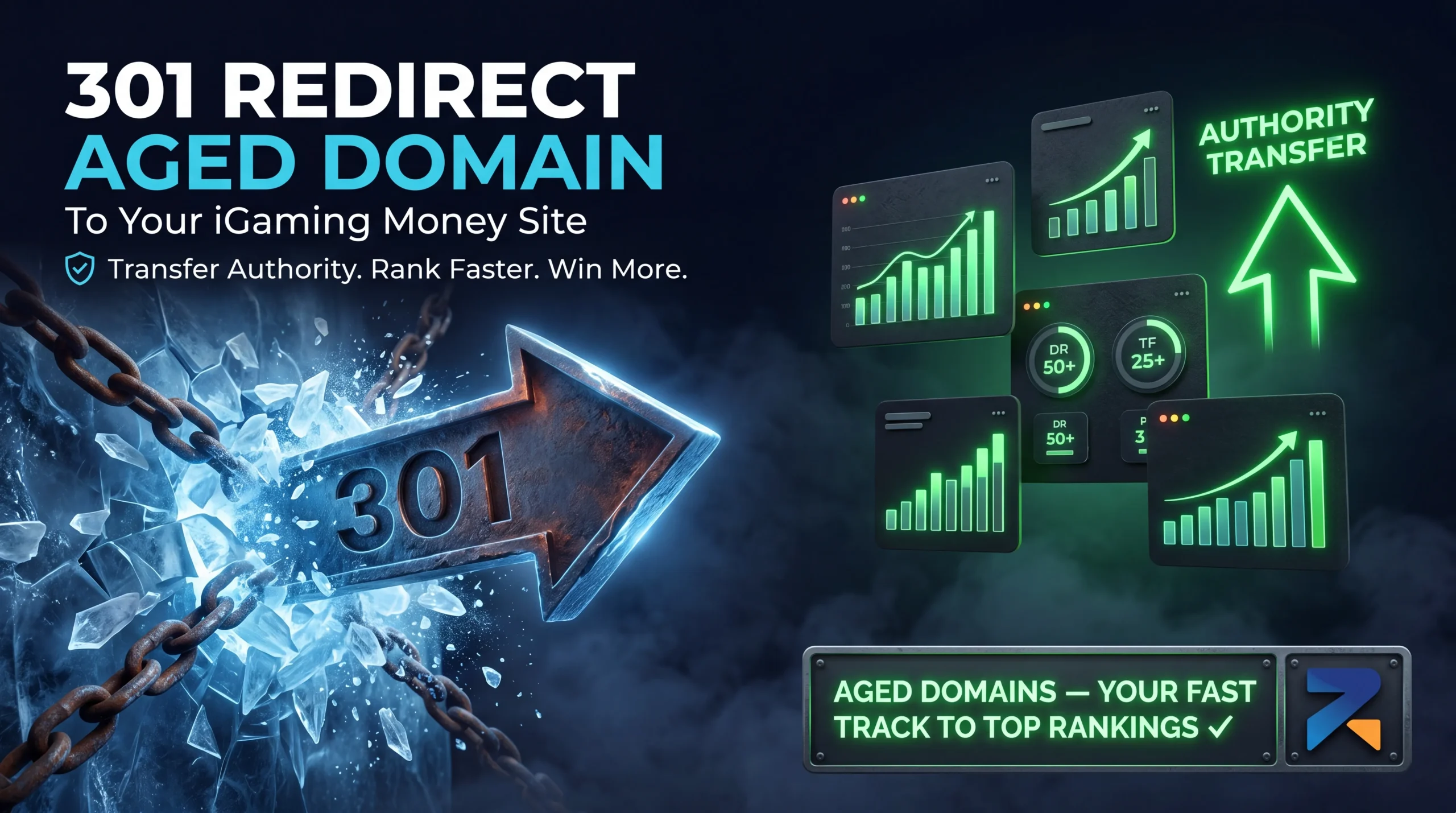
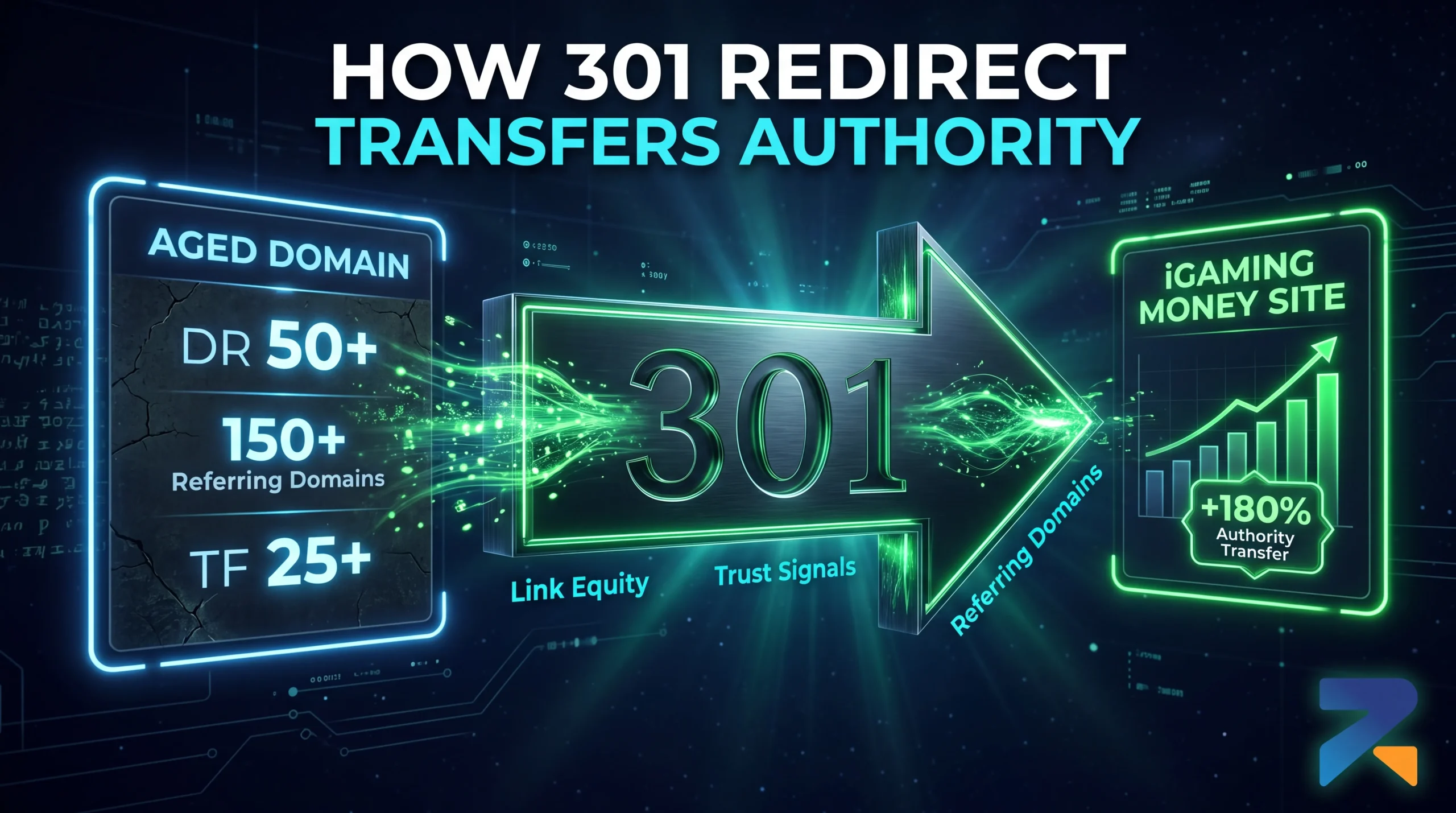
A 301 is basically your server telling visitors “hey we moved, go over there now.” Permanently. That’s the key word — permanent. When Google’s bots hit that old domain, your server goes “nope nothing here anymore, try this address instead.” And the cool part? Google actually transfers most of the trust and link authority over to wherever you’re sending people.
It’s kinda like… okay you know how when your favorite taco place moves across town but keeps the same name and the same recipes? You still trust them right? Same vibe here.
Now why does this matter SO much for iGaming specifically?
Because Google is, like, extremely paranoid about gambling content. They call it YMYL — “Your Money or Your Life” — and they basically treat every new casino site like it’s guilty until proven innocent. New sites can sit in what people call the “sandbox” for six months. Sometimes longer. Just invisible. Hemorrhaging money on hosting while making exactly zero dollars.
An aged domain with legit backlinks is basically you telling Google “hey this new site isn’t sketchy, it’s connected to something you already trust.” You’re borrowing years of credibility. And in iGaming? Credibility is literally everything.
Hold Up — Before You Buy Anything
People Screw This Part Up Constantly
So here’s where things go wrong for like… most people honestly.
They find some old domain, get all excited cuz it’s been around since 2011 or whatever, buy it without checking anything, set up the redirect, and then… nothing. Or worse their rankings actually drop. Because that “amazing deal” they found? Turns out it got hammered by Google years ago for being spammy garbage. Whoops. Before you spend money, do these things. Actually do them. Don’t skip any. If you’re still deciding whether an aged domain is the right move for your iGaming operation before we get into redirects read this first: aged domains for iGaming SEO explained.
First — go look at what the site used to be. Archive.org. Wayback Machine. Spend like 20 minutes clicking through old snapshots. Was it a legit sports news thing? Cool. Some weird pharma site or obvious link farm? Nah. Run. You want something at least kinda related to gambling — sports stuff, finance, entertainment, maybe lifestyle content. A recipe blog pointing to a casino looks… weird. Because it is weird. Google notices.
Second — actually look at the backlinks. And I mean actually look, not just glance at the DR and move on. Pull it into Ahrefs. Scroll through the referring domains list. If you’re seeing links from domains like “best-free-casino-bonus-2019.xyz” that’s trash and you know it. Spam score over 60%? Don’t even think about it.
Third — check the blacklists. Google Transparency Report takes two minutes. If the domain got flagged for malware or phishing at any point, walk away. Doesn’t matter how good everything else looks. That baggage isn’t worth it.
Fourth — make sure the numbers work. For iGaming I’d say bare minimum DR 20 with 30+ referring domains. Serious project? Aim higher. DR 30+ and Trust Flow above 15. Anything weaker probably isn’t worth your time honestly.
Oh and Your Site Needs to Actually Exist
This sounds dumb but people mess it up all the time.
They set up a redirect pointing to a domain with nothing on it. Like literally a “coming soon” page. Or just… blank. Nothing there.
Please don’t do that.
Your money site needs to be live and indexed before you flip the redirect on. Real pages showing up in Search Console. Shoot for at least 5-10 indexed pages minimum. Authority transfer works way better when there’s actually something on the other end to receive it.
Okay Let’s Actually Do This
Step 1 — Get the Domain Transferred
Buy your aged domain, then move it to whatever registrar you use for your main stuff. Just easier to manage everything in one place y’know? Some marketplaces are painfully slow with transfers btw — Rexusdomain to Gname usually wraps up within a day which is way faster than waiting a week somewhere else.
Step 2 — Point DNS at Your Server
Log into your registrar. Find the DNS settings. Change the A record to point at your hosting server’s IP.
Oh and if you’re using cPanel or Plesk, you gotta add the aged domain as an addon domain or parked domain too. Otherwise your server literally won’t know what to do when traffic shows up. It’ll just sit there like ????

Step 3 — Actually Set Up the Redirect
Okay this is the important part.
And please — seriously please — do this at the server level. Not through some janky WordPress plugin that’s gonna break on the next update and leave you scratching your head wondering where your traffic went.
Apache server? Throw this in .htaccess:
RewriteEngine On

RewriteRule ^(.*)$ https://yourmoneysiteurl.com/$1 [R=301,L]
Nginx? This goes in your server block:
server {

    listen 80;

    server_name ageddomain.com www.ageddomain.com;

    return 301 https://yourmoneysiteurl.com$request_uri;

}
Just wanna click buttons? Fair enough. cPanel works. Go to Domains, then Redirects. Pick “Permanent (301)” from the dropdown, enter the aged domain, put your money site as destination. Done and done.

Step 4 — Don’t Forget the HTTPS Thing
People miss this constantly. Like, constantly.
Google treats HTTP and HTTPS as completely different URLs. If your redirect only catches one version you’re basically leaking authority out the back door without realizing it.
Make sure both versions redirect. Here’s the Apache code that handles it:
RewriteEngine On

RewriteCond %{HTTPS} off

RewriteRule ^(.*)$ https://ageddomain.com/$1 [R=301,L]

RewriteRule ^(.*)$ https://yourmoneysiteurl.com/$1 [R=301,L]
Step 5 — Actually Verify It Works
Don’t skip this. I know you want to. Don’t.
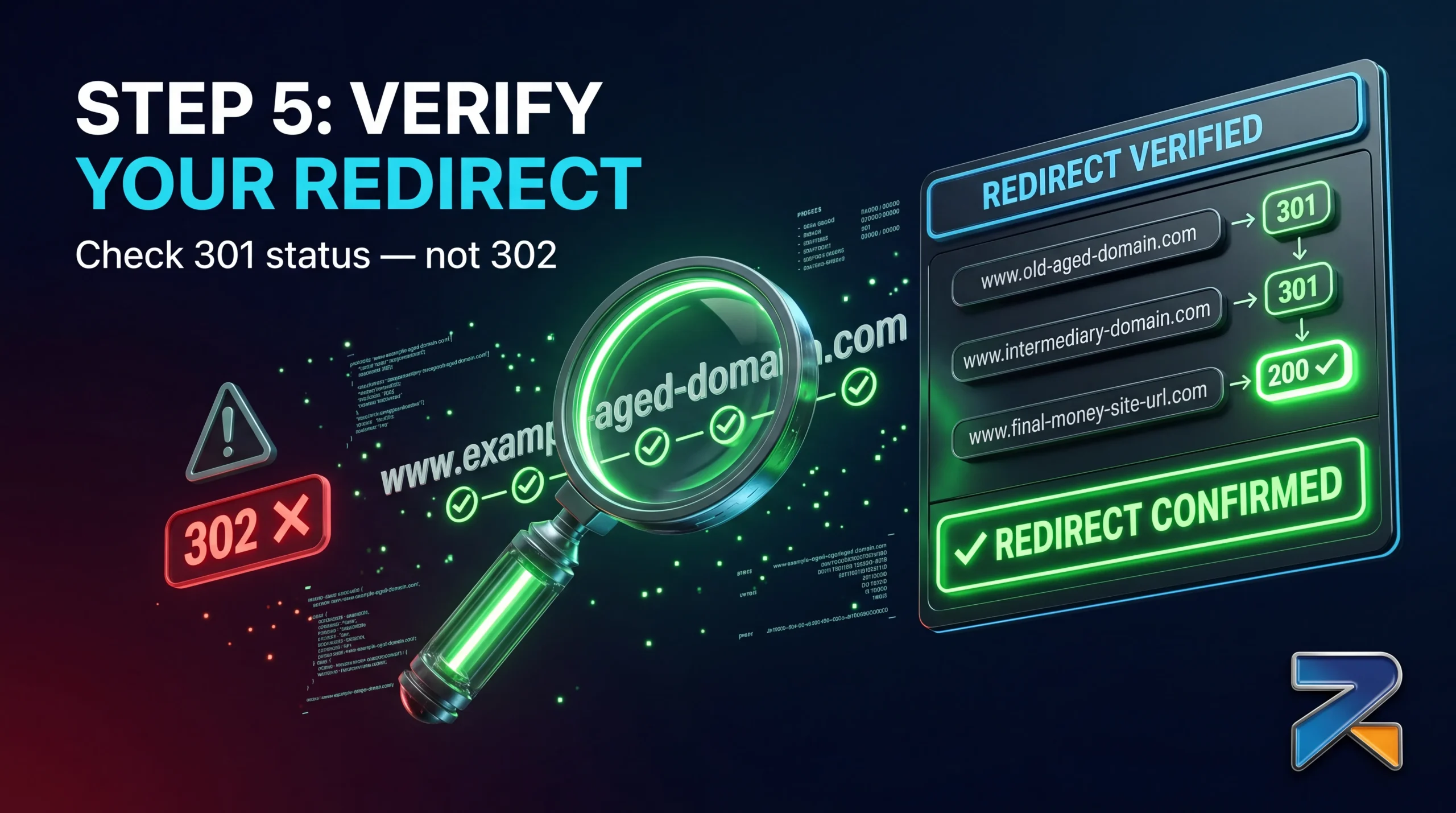
Throw the domain into a redirect checker and make sure:
- It’s returning 301 (NOT 302 — big difference)
- Final URL is correct
- www and non-www both work
- HTTP and HTTPS both redirect right
Quick story actually. I once spent three weeks — three whole weeks — trying to figure out why a redirect wasn’t doing anything. Checked everything. Multiple times. Turns out? Server was sending 302 instead of 301. One digit. 302 means “temporary” so Google doesn’t pass the same juice. Three weeks of confusion over literally one number.
Step 6 — Tell Google About It
Add the aged domain to Search Console. Once redirect is live, use URL Inspection to confirm Google’s actually seeing it and following it. Helps you catch crawl errors before they become real problems too.
The Waiting Game (This Part Sucks)
Not gonna sugarcoat it. This isn’t instant gratification stuff.
Google moves slow. Frustratingly slow sometimes. Here’s roughly what I’ve seen happen across different projects:
Week one-ish: Google crawls the redirect. Might show up in Search Console.
Weeks two through six: Third party tools start catching up. DR and DA numbers begin reflecting new backlinks.
Somewhere around week four to twelve: Actual ranking improvements. The stuff you actually care about.
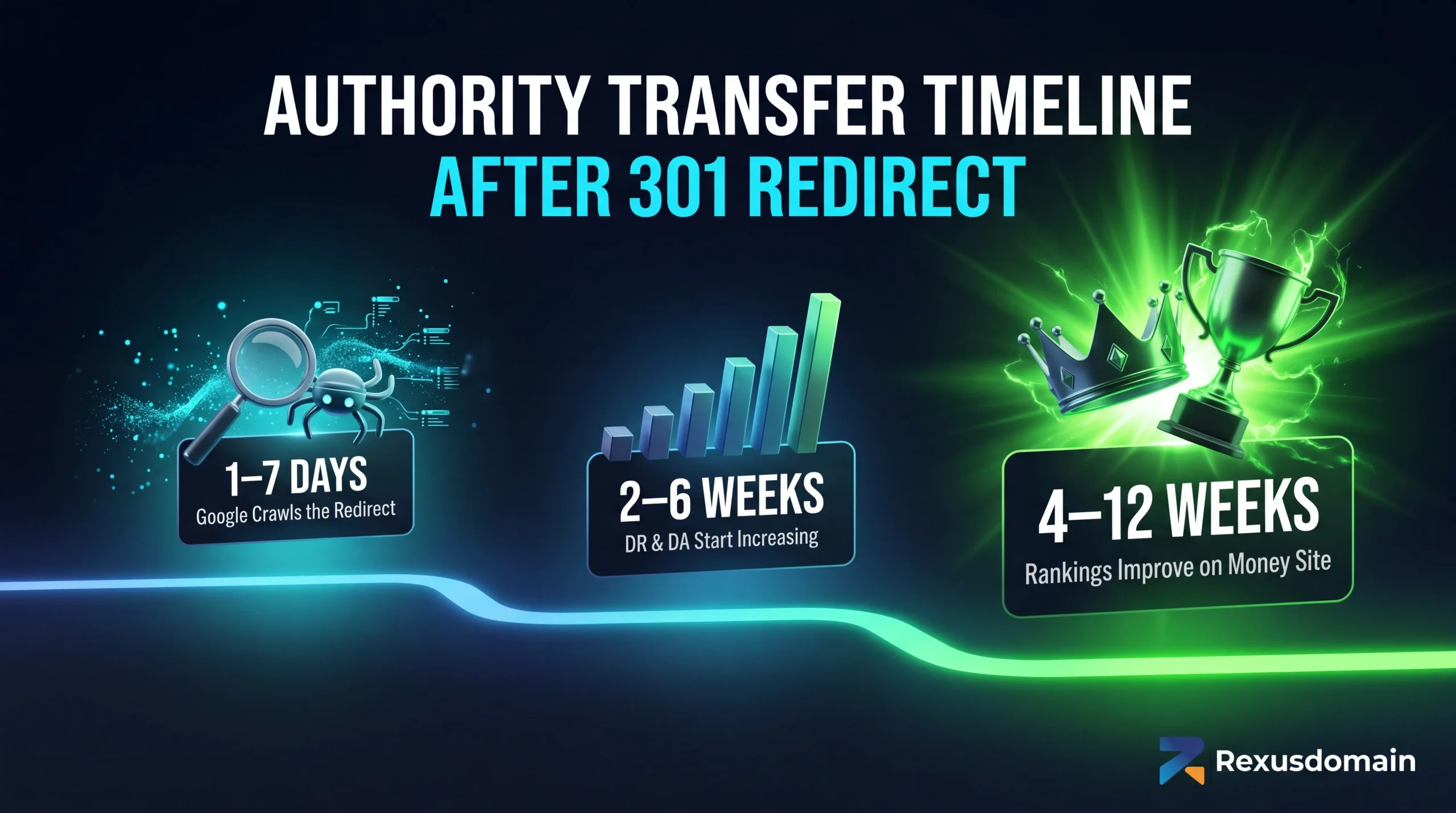
Twelve weeks feels like forever when competitors are outranking you. Trust me I know. But think about it — you’re compressing what would normally take a year into a few months. Still a massive win when you look at it that way.
Ways to Completely Screw This Up
Redirecting a penalized domain. Check organic traffic history before buying. See a cliff where traffic just died and never recovered? That domain got slapped. Don’t inherit someone else’s problems.
Totally ignoring relevance. Sports blog to sportsbook? Makes sense. Cooking blog to casino? Google’s gonna side-eye that hard. Closer the niche match, smoother everything goes.
302 instead of 301. 302 means temporary. Google won’t pass full authority. One character difference, totally different outcome.
Killing the redirect too early. Keep it up forever ideally. Or bare minimum a full year. Taking it down early confuses everything and can undo what you built.
FAQ
Does 301 pass all the link equity?
Yeah pretty much. Google’s confirmed 301s pass full value these days. Once fully processed, transfer is complete.
Multiple aged domains to one site — that cool?
Totally. Lots of people do it. Authority stacks up. Just make sure every domain is clean and relevant-ish.
Redirect whole domain or specific URLs?
Whole domain with wildcard. Way more efficient for pure authority transfer than matching individual paths.
What happens to old domain’s rankings?
Google de-indexes those URLs and credits signals to your destination. Old domain basically gets absorbed into your profile.
Bottom Line
A solid 301 from a clean aged domain is honestly one of the best ROI plays in iGaming SEO. You’re taking years of built-up trust and funneling it straight into your site. No outreach nightmare. No sandbox purgatory.
But the domain has to be clean. Cannot emphasize this enough. Wrong aged domain doesn’t just fail — it actively tanks you. Due diligence here isn’t optional. It’s everything.
Don’t wanna spend hours vetting domains yourself? Rexusdomain keeps pre-audited inventory with verified metrics and clean histories. Filter by DR, referring domains, niche, whatever you need.
Anyway. Go set it up. Rankings aren’t gonna build themselves.
Related Guides
- Best Aged Domain Marketplace for iGaming SEO (2026)
- Best aged domain marketplaces 2026 — top 7 platforms ranked
- Where to Buy Aged & Expired Domains in 2026: The Complete Buyer’s Guide
- Aged Domain Sellers You Can Trust: How to Vet a Premium Marketplace
- How to Buy Aged or Expired Domains: A Step-by-Step Guide
Sources & Further Reading
Frequently Asked Questions
How do I set up a 301 redirect from an aged domain to my iGaming money site?
Configure the 301 redirect in the aged domain hosting account. On Apache servers, add “RewriteEngine On / RewriteRule ^(.*)$ https://yourmoneydomain.com/$1 [R=301,L]” to the .htcaccess file. On Nginx, add “return 301 https://yourmoneydomain.com$request_uri;” in the server block. Point the aged domain nameservers to a hosting account, upload the redirect configuration, and verify with a redirect checker tool like httpstatus.io.
How long does it take for a 301 redirect from an aged domain to pass link equity?
Most link equity transfers within 4-8 weeks of a 301 redirect going live. Full ranking benefit typically materialises over 3-6 months as Google recrawls all pages linking to the aged domain and processes the redirect chain. High-authority aged domains with compact link profiles (under 500 referring domains) tend to transfer equity faster than large domains with thousands of linking pages.
Should I redirect the aged domain to the root or to a specific page?
Redirect to the most topically relevant page on the money site. If the aged domain was a casino review site, redirect to your casino reviews category or homepage. If it covered sports betting, redirect to your sports betting section. URL-level redirects (aged-domain.com/poker/ to moneydomain.com/poker/) transfer equity most efficiently, preserving topical signals from individual URL backlinks to corresponding money-site pages.
Can I redirect multiple aged domains to one money site safely?
Yes, multiple aged domain 301 redirects to one money site is a common and effective iGaming SEO strategy. There is no confirmed Google penalty threshold for incoming 301 redirect sources. The key risk is footprint exposure if the redirect domains share IP addresses, hosting accounts, or WHOIS data. Use separate hosting accounts and different registrars for each aged domain to minimise network footprint detectability.
What happens to the aged domain backlinks after a 301 redirect?
Backlinks pointing to the aged domain URLs pass their authority to the redirect destination through the 301. Google follows the redirect chain and credits the link equity to the money site. Third-party tools like Ahrefs and Majestic continue to show the links under the aged domain; the equity transfer is reflected in the money site metrics rather than in the tool reporting for the redirecting domain.
Is it better to use a 301 redirect or rebuild content on an aged domain for iGaming?
Rebuilding content on the aged domain produces stronger, more durable SEO results than a 301 redirect for competitive iGaming keywords. A rebuilt site activates the aged domain authority directly at the target URL, generates its own organic traffic, and avoids redirect chain dilution. Use 301 redirects when the money site already has strong content and needs authority injection quickly. Build on the aged domain when starting a new iGaming project.