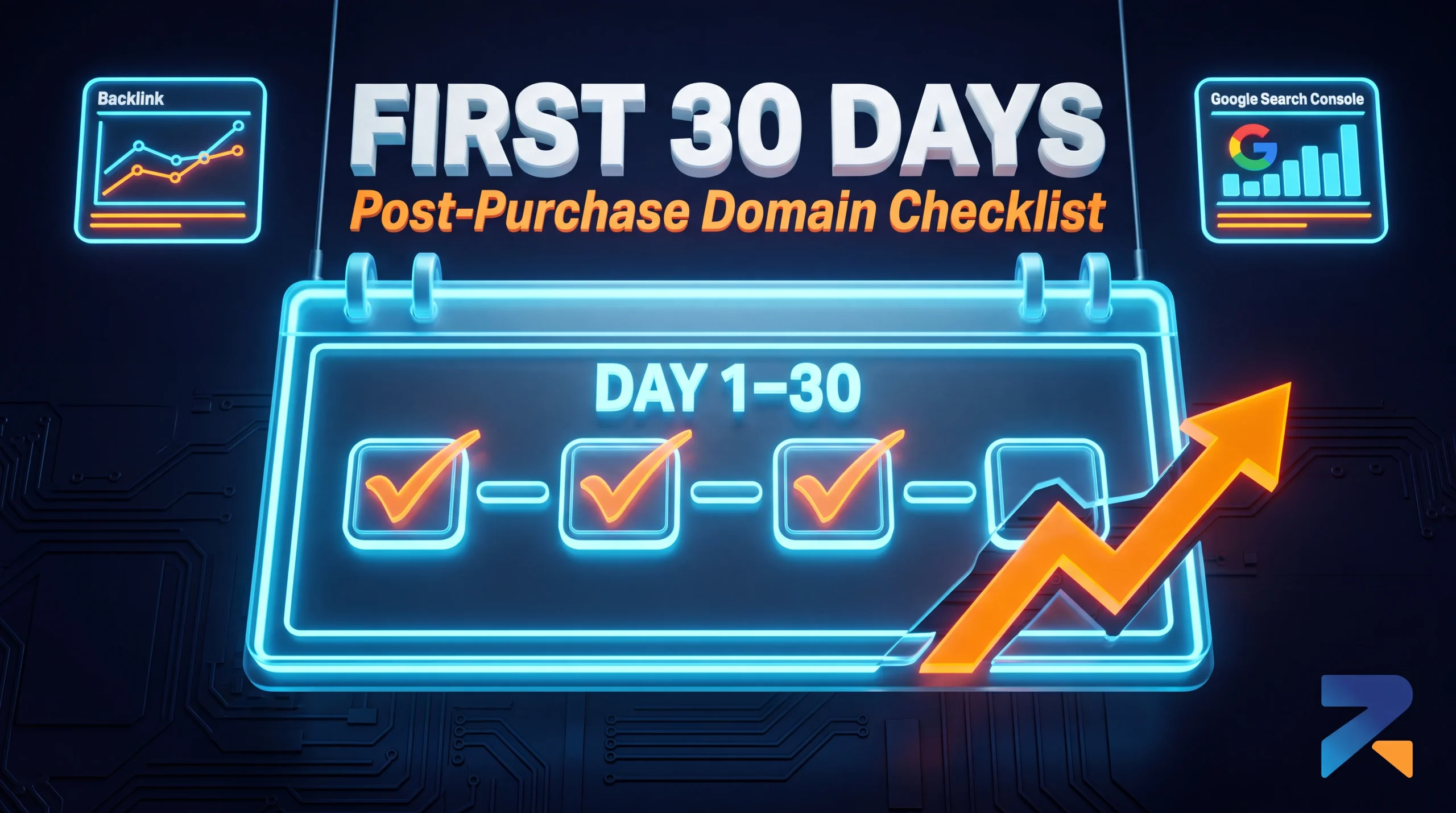

The First 30 Days After Buying an Aged or Expired Domain: A Post-Purchase Checklist
The first 30 days after buying an aged or expired domain determine whether its authority transfers cleanly or gets disrupted — verify the transfer completed correctly, set up monitoring before making any content changes, and resist the urge to rebuild everything at once. Most of the value lost after a domain purchase happens not from a bad domain, but from a rushed or poorly sequenced first month.
Last updated: July 2026.
Week 1: Verify and Establish Ownership
Before touching content or DNS, confirm the basics are actually correct — buyers who skip this step sometimes discover weeks later that something in the transfer didn’t complete as expected.
- Confirm the domain is in your registrar account and that you have full administrative access, including the ability to update nameservers and WHOIS contact information.
- Set up (or claim) Google Search Console for the domain immediately. If the previous owner had it verified, you’ll need to add your own verification method rather than assuming access transfers automatically.
- Pull a fresh backlink and indexation snapshot the moment you take ownership. This becomes your baseline — if metrics shift unexpectedly in the following weeks, you’ll be able to tell whether it’s a normal post-transfer fluctuation or something worth investigating.
- Re-verify the penalty status yourself in Search Console, even if the seller confirmed it pre-sale. This is the first point where you have direct access to the ground truth rather than a seller’s claim.
Week 2: Observe Before You Change Anything
The biggest mistake buyers make in the first month is moving too fast. A domain that just changed ownership is already processing a signal to search engines — DNS changes, new content, and structural changes on top of that within the same week make it hard to isolate what’s actually affecting rankings if something goes wrong.
During week two, prioritize watching over acting:
- Monitor whether existing indexed pages remain indexed, using the Coverage report in Search Console.
- Check whether organic traffic (if any existed pre-purchase) holds steady, using whatever historical data you can access or estimate from third-party tools.
- Confirm DNS propagation is fully complete before making further changes — partial propagation can create inconsistent behavior that’s easy to misdiagnose as a ranking problem.
Week 3: Make Structural Changes Deliberately
Once you have a stable baseline, this is typically the point to implement the planned use case — a 301 redirect into an existing property, a content rebuild, or a PBN configuration. The key principle: change one major variable at a time where possible, so that if something unexpected happens, you have a reasonable idea of which change caused it.
If redirecting, confirm the redirect type matches the intended outcome (a full-site 301 behaves very differently from page-level redirects), and monitor Search Console’s Page Indexing report over the following days to confirm the redirect is being processed as expected rather than silently ignored.
Week 4: Confirm Stability Before Scaling
By the end of the first month, you should have enough data to answer a simple question: is the domain behaving the way its pre-purchase metrics suggested it would? If indexation is holding, rankings for any existing terms are stable or recovering as expected, and no manual action or unexpected drop has appeared, the domain is likely integrating normally.
This is also the point to reassess rather than assume. A domain that looked strong on paper but is showing unexpected instability in its first month deserves a second look at its pre-purchase due diligence — sometimes issues only surface once real changes are made, even with careful vetting beforehand.
What Not to Do in the First 30 Days
- Don’t change everything simultaneously — new content, new redirects, and new backlink activity all at once makes any problem nearly impossible to diagnose.
- Don’t ignore a sudden metric drop as “normal fluctuation” without checking Search Console for a specific cause first.
- Don’t assume login/access details from the seller remain valid long-term — rotate any credentials or API keys that came with the domain purchase.
- Don’t skip the baseline snapshot — without it, you have no way to distinguish a real problem from normal post-transfer variance later.
Frequently Asked Questions
How long should I wait before making major changes to a newly purchased aged domain?
A general guideline is one to two weeks of observation before major structural changes, long enough to confirm indexation and ownership transfer are stable, but this can vary depending on how urgently the domain needs to go live for its intended use.
What’s the first thing I should do after buying an aged domain?
Confirm the domain is fully transferred to your registrar account and set up Google Search Console access immediately, before making any content or DNS changes. This establishes your baseline and your ability to monitor what happens next.
Is it normal for metrics to fluctuate right after a domain purchase?
Some fluctuation is common as search engines process the ownership and DNS changes. The key is having a pre-change baseline so you can distinguish normal variance from an actual problem, rather than reacting to every metric shift.
Should I redirect a newly purchased domain immediately?
Only after confirming the domain’s indexation and metrics are stable post-transfer. Redirecting immediately, before establishing a baseline, makes it harder to tell whether any subsequent issue came from the domain itself or from the redirect implementation.