
How to Pay Safely When Buying an Aged or Expired Domain
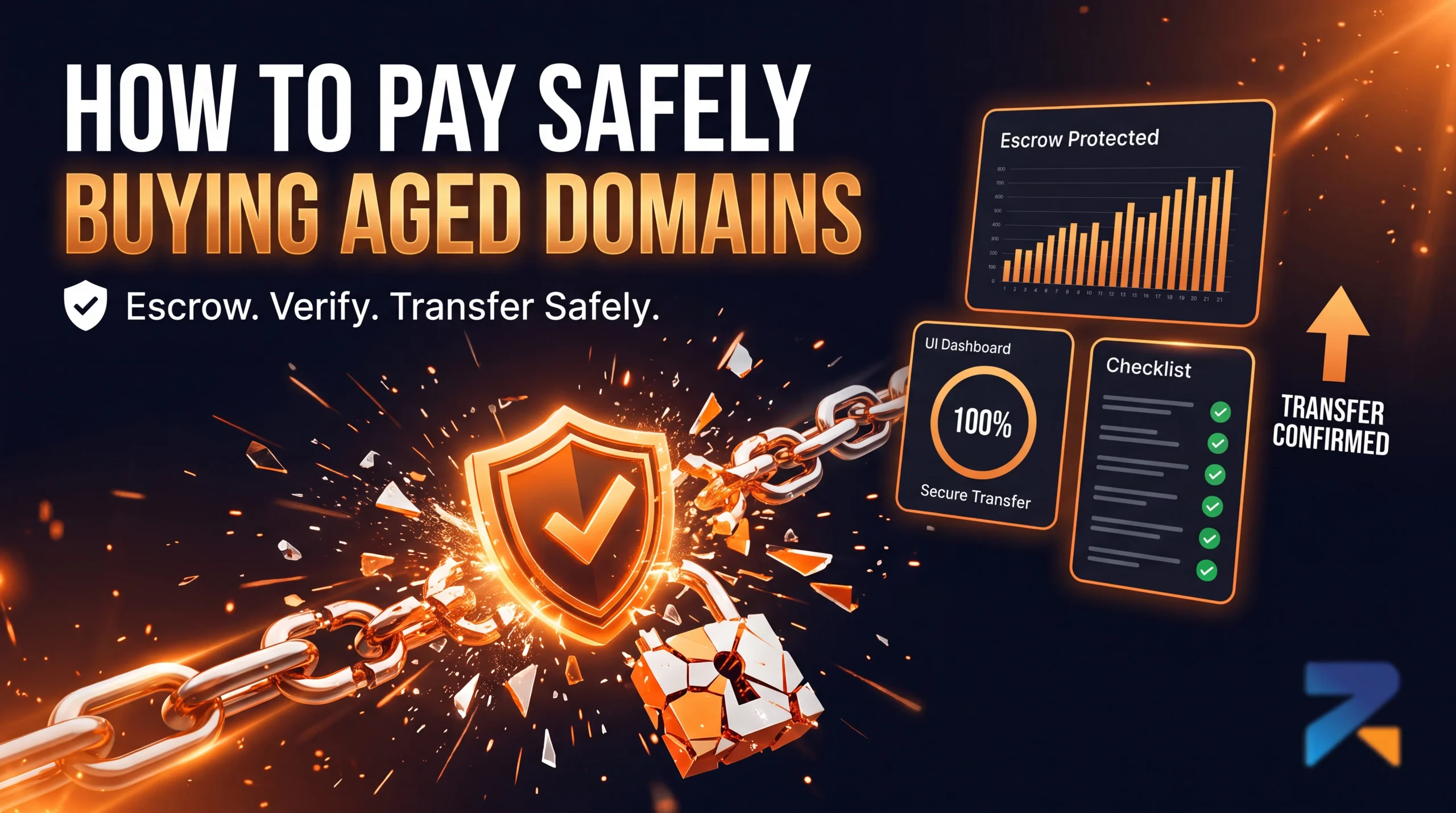
The safest way to pay for an aged or expired domain is through escrow, or through a marketplace that holds funds until the domain transfer is confirmed complete. Wiring money directly to a seller before the domain arrives in your registrar account with no recourse if it doesn’t is the single most common way buyers lose money in this market, and it has nothing to do with the domain’s metrics.
Last updated: July 2026.
Why Payment Method Matters as Much as Domain Quality
Most guides on buying aged domains focus entirely on evaluating the domain itself backlink profile, content history, penalty status. That evaluation matters, but it assumes the transaction actually completes the way it’s supposed to. A perfectly clean, high-authority domain is worthless to you if you pay for it and the seller never transfers it, or transfers a different, lower-quality domain than the one you evaluated. Payment security is a separate risk category from domain quality, and it deserves its own checklist.
Payment Methods, Ranked by Buyer Protection
- Marketplace-held funds (safest) — Reputable marketplaces collect payment upfront but don’t release it to the seller until the domain transfer is confirmed on the buyer’s end. This is functionally the same protection as escrow, built into the platform itself.
- Third-party escrow service — For private sales or forum transactions with no marketplace involved, a dedicated escrow service holds funds in a neutral account and releases them only after the buyer confirms receipt. This adds a small fee but removes most of the trust burden from the transaction.
- Credit card — Offers chargeback protection through the card network if a seller doesn’t deliver, though domain transactions can be harder to dispute successfully than typical retail purchases since “delivery” (a DNS-level change) is less straightforward to prove or disprove than a shipped package.
- Cryptocurrency direct to seller (riskiest without escrow) — Crypto payments are common in this market because they’re fast and low-fee, but a direct crypto payment with no escrow layer is irreversible the moment it’s sent. If the seller doesn’t deliver, there is no recourse.
- Bank wire direct to seller (riskiest) — Same irreversibility problem as unescrowed crypto, with the added friction of being harder to send quickly, which buyers under time pressure sometimes skip verifying properly as a result.
- The First 30 Days After Buying an Aged or Expired Domain
Red Flags That Predict a Payment Problem
Certain seller behaviors correlate strongly with payment fraud or non-delivery, independent of how good the domain itself looks:
- Refusal to use escrow or a marketplace’s built-in payment protection — a legitimate seller has no reason to insist on an unprotected payment method if the buyer offers to cover reasonable escrow fees.
- Pressure to pay quickly — “someone else is about to buy it” urgency is a common tactic to get buyers to skip due diligence on both the domain and the payment method.
- No verifiable transaction history — a seller with zero prior sales visible on a forum, marketplace, or review platform is an unknown quantity regardless of how their current listing looks.
- Mismatched details between the listing and the WHOIS/registrar information — if the name or organization on the domain’s registration doesn’t match who you’re paying, that’s worth resolving before sending any funds, not after.
- The First 30 Days After Buying an Aged or Expired Domain
What to Confirm Before You Send Payment
Regardless of which payment method you use, confirm these details before funds move:
- Current registrar and account access — know exactly where the domain currently lives and what the transfer process from that registrar involves.
- Transfer timeline in writing — a specific window (e.g. “within 24 hours of payment confirmation”), not a vague “soon.”
- What happens if metrics don’t match — a stated remedy (refund, partial credit, replacement) if the domain’s actual authority or history differs materially from what was represented.
- Who initiates the transfer — some transfers require the buyer to request it from their registrar, others require the seller to push it; know which applies so you’re not waiting on the wrong party.
Frequently Asked Questions
Is it safe to pay for an aged domain with cryptocurrency?
Crypto itself isn’t the risk the risk is sending it directly to a seller with no escrow layer. If a marketplace or third-party escrow service holds the crypto payment until transfer is confirmed, it’s as safe as any other escrowed method. Direct, unescrowed crypto payments are irreversible if something goes wrong.
What should I do if a seller refuses to use escrow?
Treat it as a significant warning sign. A legitimate seller generally has no objection to escrow, especially if the buyer offers to split or cover the fee. Refusal to use any form of buyer protection is one of the strongest predictors of a bad transaction in this market.
Does using a credit card protect me when buying an aged domain?
It offers some chargeback protection, but domain transactions can be harder to dispute than typical purchases since there’s no shipped item to prove non-delivery against. It’s a reasonable backup option, but not a substitute for escrow on a larger purchase.
How long should a domain transfer take after payment?
On reputable marketplaces, transfers to the buyer’s registrar account typically complete within 24 hours of payment confirmation. Private sales can take longer depending on the registrars involved. Get a specific timeframe in writing before paying, not a vague estimate.
Related Guides
- Aged Domain Sellers You Can Trust: How to Vet a Premium Marketplace
- How to Buy Aged or Expired Domains: A Step-by-Step Guide
- How to Audit an Aged Domain Before You Buy
- Trademark and Legal Risks When Buying an Aged or Expired Domain
- The First 30 Days After Buying an Aged or Expired Domain
- Where to Buy Aged & Expired Domains in 2026: The Complete Buyer’s Guide