
Rexusdomain-Logo
  • Aged Domain
  • News
  • Google Update
  • SEO
    • Igaming
  • Tutorial
  • Comparison
  • Company
    • About Us
    • Term Of Use
    • Privacy Policy
    • Cookie Policy
    • Terms And Conditions
No Result
View All Result
Buy Domain
Rexusdomain-Logo
  • Aged Domain
  • News
  • Google Update
  • SEO
    • Igaming
  • Tutorial
  • Comparison
  • Company
    • About Us
    • Term Of Use
    • Privacy Policy
    • Cookie Policy
    • Terms And Conditions
No Result
View All Result
Rexusdomain-Logo
No Result
View All Result
404 vs 410: Does the Status Code You Choose Matter for Aged Domain Cleanup?

404 vs 410: Does the Status Code You Choose Matter for Aged Domain Cleanup?

Rexusdomain by Rexusdomain
September 15, 2026
in Aged Domain, SEO
0
594
SHARES
3.3k
VIEWS
Summarize with ChatGPTShare to Facebook

404 vs 410: Does the Status Code You Choose Matter for Aged Domain Cleanup?

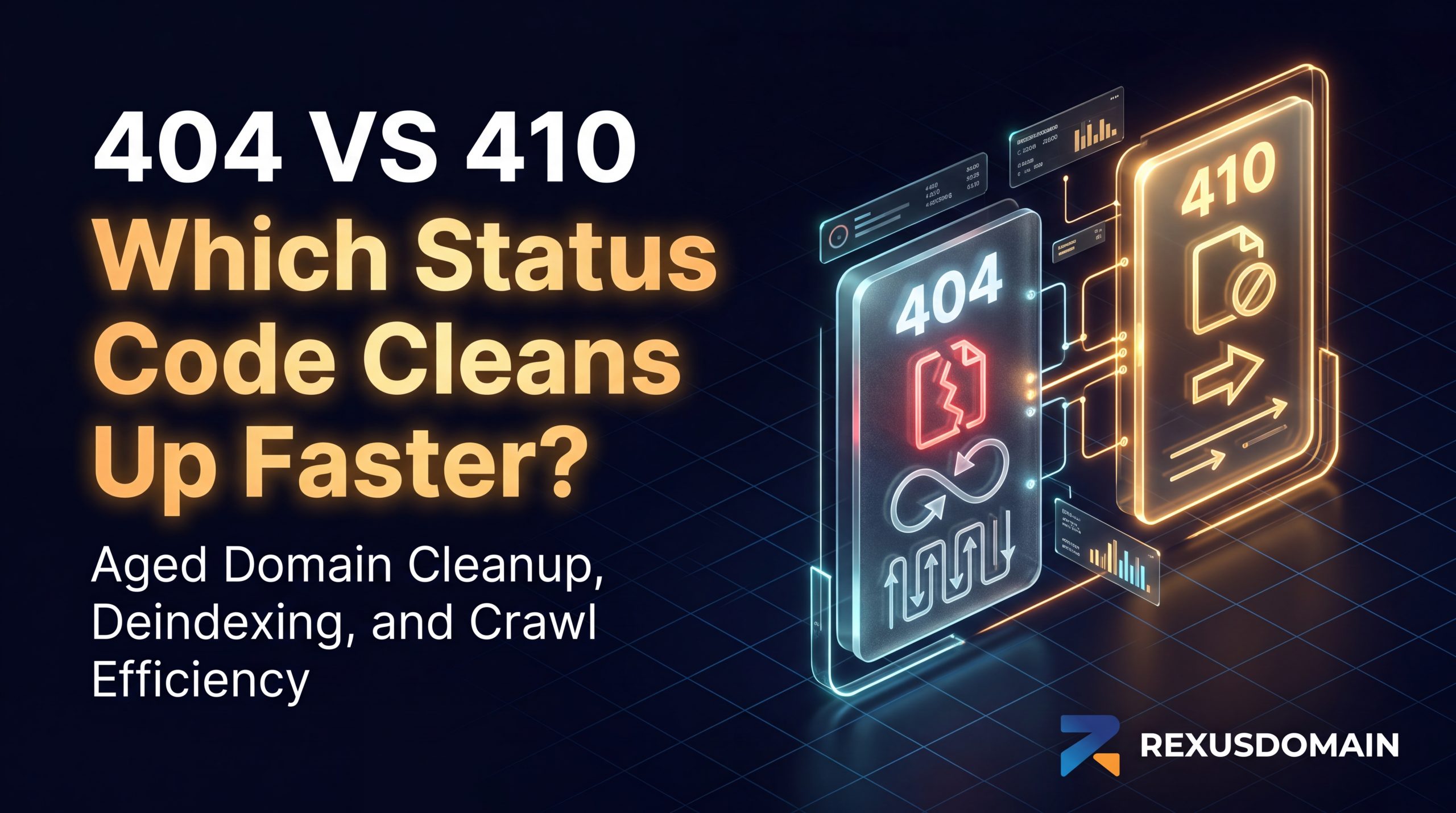
Marginally, yes — a 410 (Gone) status tells Google a URL was intentionally and permanently removed, which can prompt faster deindexing than a 404 (Not Found), a status that leaves the URL in a longer retry cycle since Google can’t distinguish an intentional removal from a temporary glitch. The difference is about crawl efficiency and deindexing speed, not a ranking or trust signal either way.

Last updated: September 2026.

What Each Status Code Actually Tells Google

A 404 response means “this URL wasn’t found right now,” which is ambiguous by design — the page could be temporarily down, permanently gone, or the request could be malformed. A 410 response is unambiguous: it explicitly states the resource was intentionally removed and isn’t coming back. Google’s documentation confirms both eventually result in the URL being dropped from the index, but 410 responses are generally processed out of the index faster because there’s no uncertainty to resolve through repeated recrawl attempts.

Why This Matters More for Aged Domains Specifically

  • Large legacy URL inventories. An aged domain often carries years of indexed URLs from a previous owner’s site structure — old category pages, discontinued products, outdated blog posts — and cleaning these up in bulk benefits more from the faster, more decisive signal a 410 provides.
  • Crawl budget efficiency. Every 404 that Google keeps retrying consumes a small amount of crawl budget that could go toward your new, live content instead. Using 410 for intentionally removed pages helps redirect that budget faster.
  • Avoiding false signals during content rebuilds. If you’re rebuilding an aged domain’s content in phases, 410 makes your intent explicit — these specific URLs are gone for good — rather than leaving Google to guess whether a 404 is temporary.

When 404 Is Still the Right Choice

A plain 404 remains appropriate for URLs that might return (a temporarily out-of-stock product, a page under revision) or for the routine “page not found” experience on any site, since 410 implies permanence you may not actually intend. Reserve 410 specifically for content you’re certain has no future — old previous-owner pages you’re deliberately retiring during an aged domain cleanup.

Frequently Asked Questions

Does using 410 instead of 404 improve an aged domain’s SEO?

Not directly as a ranking factor, but 410 can speed up deindexing of intentionally removed pages compared to 404, which improves crawl efficiency — useful when cleaning up a large inventory of legacy URLs on an aged domain.

Will a 404 error ever get a page removed from Google’s index?

Yes, eventually. Google does deindex pages returning consistent 404s, but the process can take longer than with a 410 since 404 doesn’t explicitly signal permanent removal.

Should I use 410 for every old URL when cleaning up an aged domain?

Only for URLs you’re certain won’t return. Use 410 for pages you’re permanently retiring, and stick with 404 or a redirect for anything that might come back or where the content has moved elsewhere.

Does 410 hurt user experience compared to 404?

Not meaningfully — most site visitors won’t notice the technical difference. Both are typically served with a custom “page not found” style message; the difference is in what signal it sends to crawlers, not to human visitors.

Related Guides

  • Fixing 404s on an Aged Domain Without Killing Its Authority
  • Which Redirect Type Actually Works for iGaming Aged Domains
  • Aged Domain Link Equity Decay: Does a Dormant Domain Lose Power?

Sources & Further Reading

  • Google Search Central — HTTP and Network Errors
  • MDN Web Docs — HTTP 410 Gone


SummarizeShare238
Rexusdomain

Rexusdomain

RexusDomain is a marketplace for vetted aged and expired domains, focused on domain sourcing, backlink history verification, and due-diligence checks for SEO professionals and domain buyers.

Related Stories

Can You Erase an Aged Domain’s Previous Niche Footprint?

Can You Erase an Aged Domain’s Previous Niche Footprint?

by Rexusdomain
September 20, 2026
0

Can You Erase an Aged Domain's Previous Niche Footprint? Picture this scenario. You just secured an aged domain with a mouth-watering backlink profile. For eight straight years, it...

Does an HTTPS Migration Reset Trust on an Aged Domain That Was Never Secured?

Does an HTTPS Migration Reset Trust on an Aged Domain That Was Never Secured?

by Rexusdomain
September 17, 2026
0

HTTPS migration is treated as a site move, not a trust reset. What can go wrong in the process, and how to migrate an aged domain to HTTPS...

Do WHOIS Privacy Changes Affect an Aged Domain’s SEO?

Do WHOIS Privacy Changes Affect an Aged Domain’s SEO?

by Rexusdomain
September 16, 2026
0

Google has confirmed WHOIS privacy status isn't a ranking factor. Where it actually matters is buyer due diligence, not search visibility.

Does an Aged Domain’s Old AMP Pages Cause Problems Today?

Does an Aged Domain’s Old AMP Pages Cause Problems Today?

by Rexusdomain
September 12, 2026
0

AMP's ranking benefits were retired by 2024. Leftover AMP pages on an aged domain are now a duplicate-content cleanup task, not an active risk.

Next Post
Do WHOIS Privacy Changes Affect an Aged Domain’s SEO?

Do WHOIS Privacy Changes Affect an Aged Domain's SEO?

buy-aged-domain buy-aged-domain buy-aged-domain

Recommended

Can You Erase an Aged Domain’s Previous Niche Footprint?

Can You Erase an Aged Domain’s Previous Niche Footprint?

September 20, 2026
Toxic backlinks on aged domain for iGaming SEO when to disavow vs ignore guide

Toxic Backlinks on Aged Domains: When to Disavow vs Ignore

July 20, 2026

Popular Story

  • Where to buy aged and expired domains in 2026 - complete buyer's guide banner by RexusDomain

    Where to Buy Aged & Expired Domains in 2026: The Complete Buyer’s Guide

    0 shares
    Share 446 Tweet 279
  • How to Build an iGaming Money Site on an Aged Domain

    1690 shares
    Share 676 Tweet 423
  • How to Buy Aged or Expired Domains: A Step-by-Step Guide (2026)

    1625 shares
    Share 650 Tweet 406
  • E-E-A-T Signals on an Aged Domain for iGaming SEO: Single Page vs Multi Page

    1312 shares
    Share 525 Tweet 328
  • Aged Domain Sellers You Can Trust: How to Vet a Premium Marketplace Before You Buy

    0 shares
    Share 276 Tweet 172
All About Aged Domains For Igaming

Explore

  • Domain Inventory
  • Blog
  • Contact Us
  • Login

Follow Us

Welcome Back!

Login to your account below

Forgotten Password?

Retrieve your password

Please enter your username or email address to reset your password.

Log In
No Result
View All Result
  • Aged Domain
  • News
  • Google Update
  • SEO
    • Igaming
  • Tutorial
  • Comparison
  • Company
    • About Us
    • Term Of Use
    • Privacy Policy
    • Cookie Policy
    • Terms And Conditions