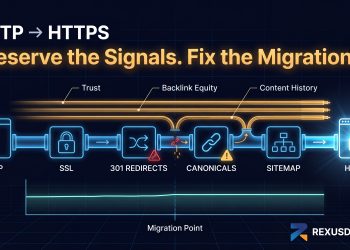

You published the content. Built some links. Did the on-page. Six months in and you’re still sitting on page four for keywords that should be nowhere near that difficult.
The site isn’t the problem. The domain is.
Fresh domains in iGaming don’t get the benefit of the doubt from Google. Full stop. They go into the sandbox, earn trust at a crawl, and end up competing against sites that have been stacking authority since 2017. That’s not a content problem that’s a structural disadvantage baked into your starting point.
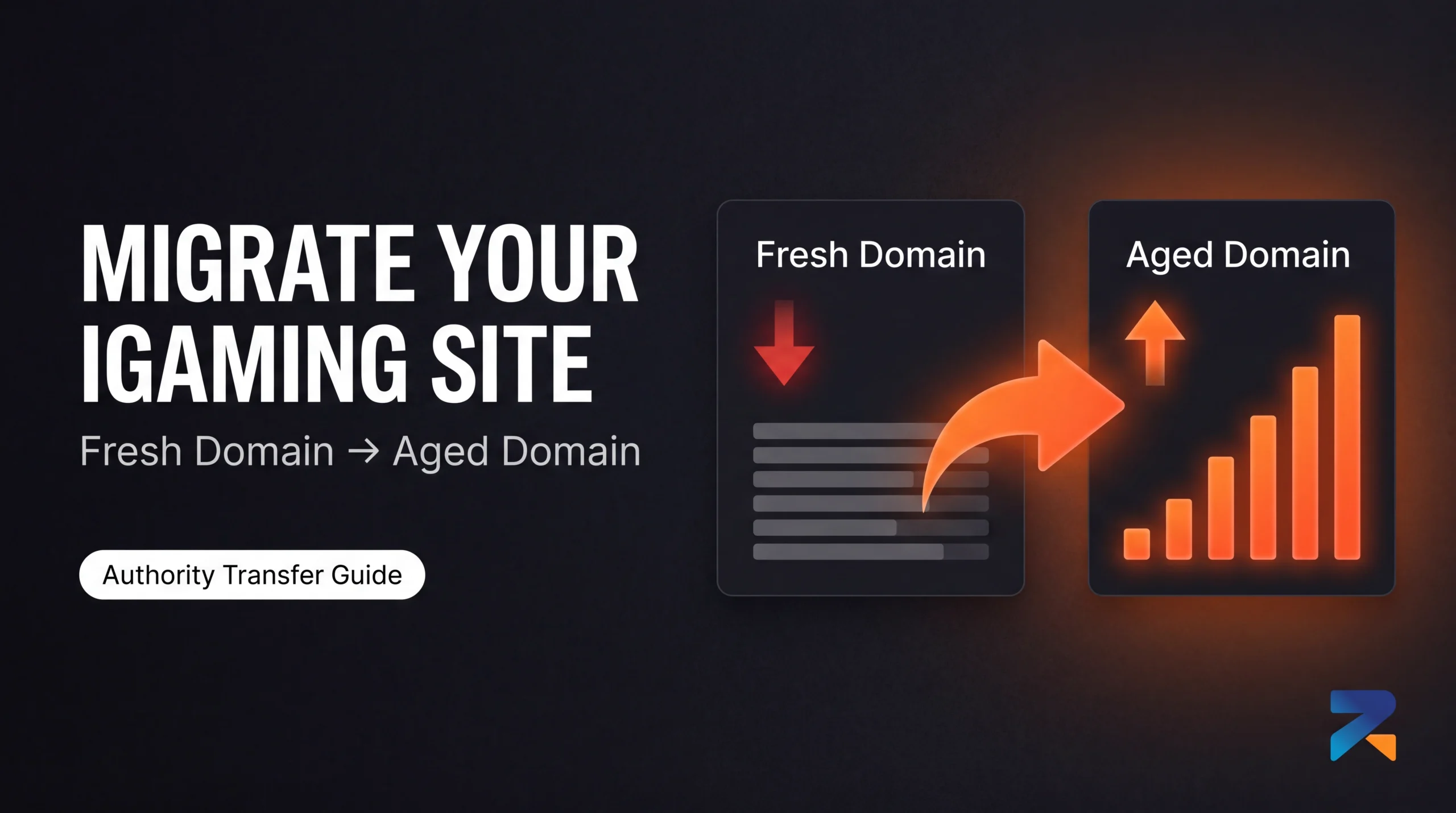
Here’s what most operators don’t realize: you don’t have to abandon what you’ve built. Migrating your existing site onto an aged domain means you’re picking up everything the content, the structure, the topical depth, the internal linking, the months of indexation signals and placing it on a foundation Google already trusts. Your pages stop fighting from zero. They start from a domain with years of verified history behind them.
The operators who figure this out stop chasing link velocity hacks and start thinking about where their site actually lives. This is one of the highest-leverage moves in iGaming SEO right now, and most people are sleeping on it.
Here’s how to do it without losing everything you’ve already built.
Why Migration Beats a Simple 301 Redirect
A lot of operators jump straight to 301 redirects from aged domains when their fresh domain stalls. And sure that works. It boosts DA and DR. Your metrics improve. But your fresh domain is still your fresh domain. It still carries its original registration date, its sandbox history, its zero trust starting point. A 301 from an aged domain injects equity into a vessel that was compromised from day one.
Migration is a different operation entirely.
When your content lives on the aged domain, every page you’ve written now sits on a domain Google has crawled hundreds of times. Trusted. Evaluated. Given the green light years before you got involved. New pages index faster. Existing pages that were stuck get re-evaluated with the domain’s authority in play. The effect compounds and it does so on every piece of content you publish going forward, not just the pages you 301’d.
Think of it this way. A 301 redirect is a pipe carrying water from an old reservoir to your property. Migration is moving your entire property to sit next to the reservoir. Same water source. Entirely different proximity.
For iGaming affiliates who’ve spent the better part of a year building content on a fresh domain and are still fighting the sandbox migration is the play that actually addresses the root cause. Not a band-aid. A structural fix.
Before You Touch a Single File: The Pre-Migration Checklist
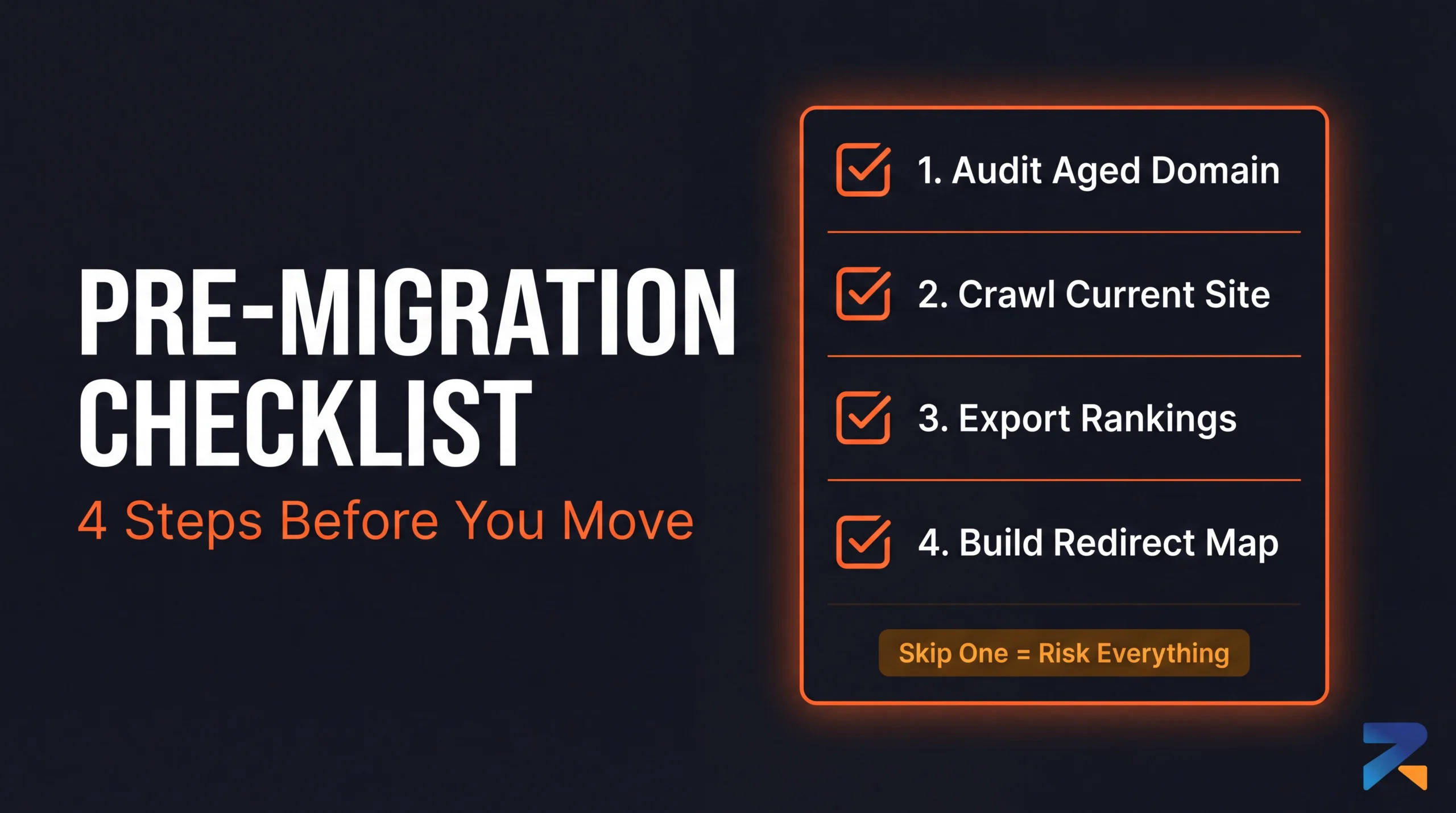
Skip this section and you will regret it. Migrations done without preparation don’t just fail they can undo months of work in a way that takes even longer to recover from.
Audit the aged domain before anything else. Not after you buy it. Not while you’re setting it up. Before. An aged domain with a penalty history, a toxic backlink profile, or a spam footprint is worse than your fresh domain you’d be migrating onto a landmine. Run it through Wayback Machine for content history, Ahrefs for backlink quality and spam score, Google Safe Browsing for blacklist status, and WHOIS for any suspicious ownership changes. The full process is in how to audit an aged domain before you buy don’t skip it.
Crawl your entire current site. Screaming Frog or Sitebulb. Every URL, every image, every canonical, every redirect already in place. You need this export before migration day because every single URL needs to either exist on the aged domain or have a redirect mapped to it. Miss a URL and you leave link equity stranded on a page nobody is pointing to anymore.
Pull your current rankings from Search Console. Export your top pages, your impression data, your position history. You need a clean before-state to measure against. You’ll also use this data to prioritize which pages are highest priority during migration the ones driving the most traffic and ranking the closest to page one get treated with the most care.
Build your 301 redirect map before migration day. Old URL to new URL. Every single one. If your URL structure is changing on the aged domain, map the closest matching equivalent. Do not do this on the fly during the migration itself. That’s how gaps appear, how redirects get missed, how equity bleeds quietly in the background for weeks before you notice.
The Migration, Step by Step
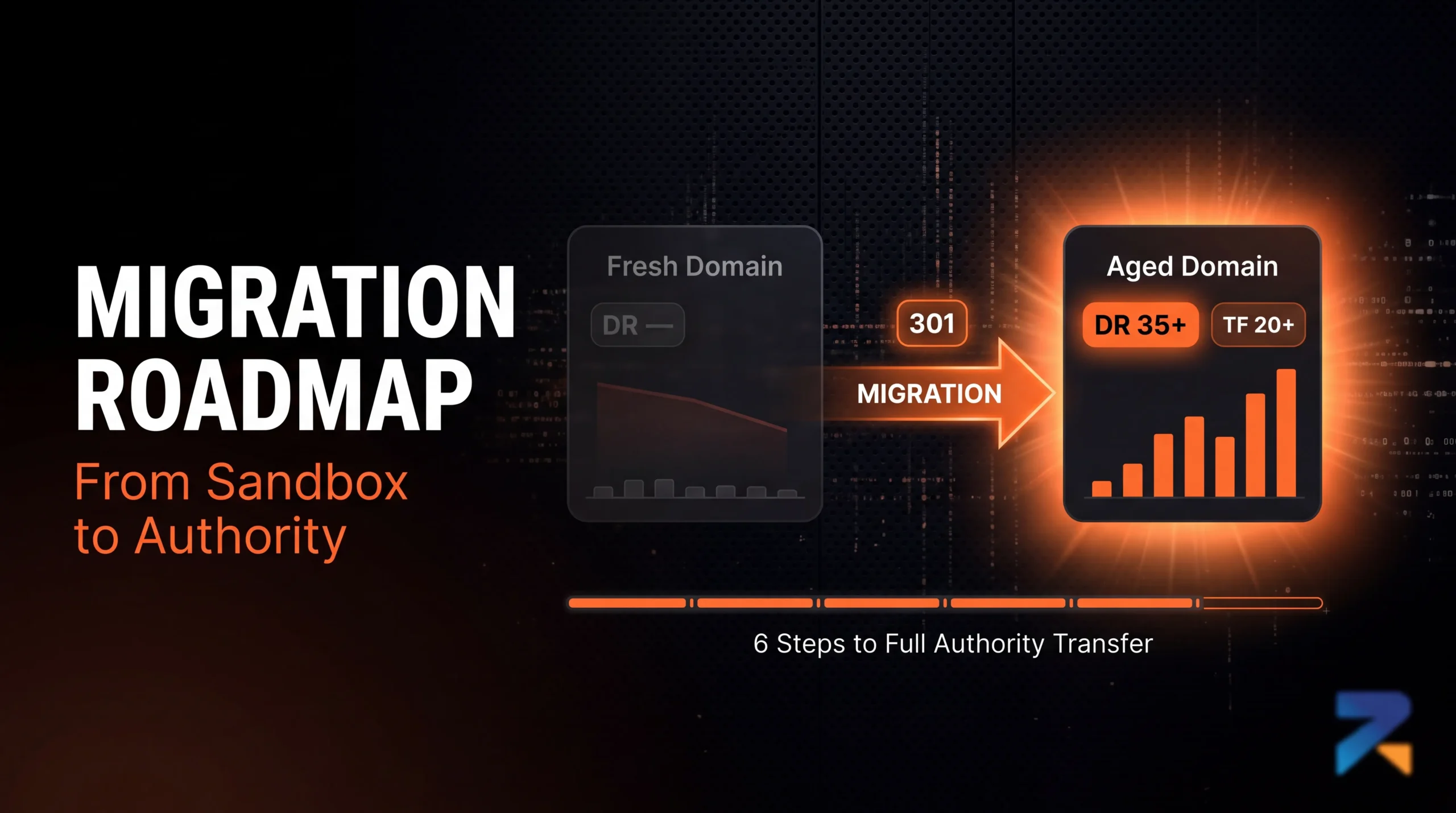
Step 1: Set Up the Aged Domain Clean
Fresh WordPress install. Lean theme. No plugins from the domain’s previous owner if it had an active site. You want a clean technical environment before you import anything.
Now the aged domain probably has existing content from its previous life. Here’s the call you need to make: if that content is topically adjacent to iGaming (sports coverage, finance, entertainment, news) keep it. It adds topical depth and reinforces the domain’s relevance signals. If the previous site was something completely unrelated recipe blog, home improvement, whatever clear it out. Don’t build your casino affiliate pages on top of someone else’s unrelated archive.
Step 2: Move Your Content Over
Export everything from the fresh domain. All-in-One WP Migration or a full database export both work the cleaner the tool, the less manual cleanup afterward.
The decision that matters most here: preserve your URL structure exactly wherever possible. If your fresh domain had /best-online-casinos-uk/, your aged domain should have the same slug. Two reasons. First, every backlink pointing to your old pages passes equity cleanly through the 301 redirects without any URL matching required. Second, it keeps Search Console’s historical data aligned to URLs Google already has impressions and click data for.
If there’s a genuine reason to restructure URLs cleanup, better taxonomy, a fresh content architecture that’s fine. Just know that every change adds a redirect hop and complexity to the migration. Keep it simple unless you have a real reason not to.
Step 3: 301 Redirects from the Fresh Domain and Why They Need to Stay
Once your content is live on the aged domain and indexed correctly, set up 301 redirects from the fresh domain to the new one. Page by page, following the map you built before migration day.
These redirects are not temporary. They need to stay live for at least 12 months. The old domain needs to remain registered and pointing correctly for that entire period.
Operators who let the old domain expire at renewal time six, eight months after migration lose the redirect chain. And with it, all the equity that was flowing through those links. That’s a slow bleed that doesn’t show up in rankings immediately, which makes it even more dangerous. You won’t notice until the damage is already compounded.
On redirect type: 301s only. Not 302s, not meta refreshes, not JavaScript redirects. For the full breakdown of when each type is appropriate and why it matters in iGaming context, redirect types for iGaming aged domains covers this in detail. Short version 301 is the permanent signal. That’s the only signal you want Google reading here.
Step 4: Search Console Don’t Skip the Change of Address Tool
Add the aged domain as a new property in Search Console immediately. Submit the sitemap. Then go to Settings and use the Change of Address tool to formally notify Google of the domain move.
Most people either don’t know this exists or forget to use it. That’s a mistake. The Change of Address tool is Google’s official migration pathway it speeds up recrawling, shortens the re-evaluation window, and ensures the correct domain gets associated with your index data going forward. Without it, you’re relying on Google to figure out the migration from crawl signals alone. That takes longer.
Step 5: Update Backlinks You Control
For any backlinks you have actual access to links you placed through outreach, press releases, partnerships, forum posts, directory listings update them to point directly to the aged domain. Removing the redirect hop from high-value links means cleaner equity transfer with no intermediary.
You won’t reach every link. That’s expected. The 301s handle what you can’t get to. But for the links you built yourself, the ones with the most authority behind them go direct.
Step 6: The 90-Day Watch Period
Check Search Console daily for the first two weeks. Look for crawl errors, broken redirects, pages that haven’t re-indexed on the new domain, and impression drops that signal a redirect isn’t resolving. A single broken redirect is equity sitting in a dead end find them fast.
Rankings will move during the transition. Some pages will dip temporarily while Google re-evaluates them against the aged domain’s authority profile. Don’t panic and don’t start making changes. The fluctuation window is typically two to four weeks. Where you land after stabilization will be higher than where you started that’s the whole point.
What Happens to the Fresh Domain After
Don’t abandon it. Don’t let it expire. Don’t redirect it somewhere else or repurpose it for a different project inside the first year.
Keep it active. Keep the 301s live. Let it quietly pass equity to the aged domain for the full 12 months. After that once the authority transfer has stabilized you can decide whether to renew it as a permanent redirect layer or let it drop.
Some operators repurpose the old fresh domain as a PBN node after 12 months, especially if it accumulated some content history and backlinks during its operational period. That’s a reasonable play. Just not a decision to make in year one when the redirect chain is still actively working for you.
The Mistakes That Wreck Migrations

Migrating to an unaudited domain. This is how you go from “fresh domain sandbox” to “aged domain with a 2019 manual penalty you didn’t know about.” Audit. Every. Time.
Redirects breaking silently. A redirect that stops resolving doesn’t announce itself. It just quietly cuts off the equity flow from whatever was pointing at that URL. Crawl the old domain monthly for the first six months to confirm everything is still resolving correctly.
Flooding the new domain with content in the first two weeks. Stop. Let Google process the migration and stabilize your existing pages first. Adding 30 new posts in the first fortnight creates competing signals. Wait four to six weeks before scaling content again.
Changing URL structure across the board. Every mismatch between old and new URLs is a redirect hop, a potential gap, a chance for something to break. Unless there’s a strong reason for the restructure, keep the slugs identical.
What This Actually Gets You
For context on just how wide the gap is between fresh and aged as a starting point aged domain vs fresh domain for iGaming SEO breaks down the authority differential and timeline difference in detail.
Migration closes that gap without requiring you to scrap what you’ve built. It’s the only approach that combines months of content work with years of domain trust in a single operation. Everything else more links, more content, better on-page is working around the fundamental problem. Migration solves it directly.
Here’s the short version for anyone who wants to act on this immediately.
Find a clean aged domain: DR 30 minimum, Trust Flow 20+, niche history adjacent to iGaming. Audit it fully before spending anything. Crawl your current site and build your redirect map before migration day. Move content with URL structure preserved. Submit Change of Address in Search Console. Keep the old domain live and redirecting for 12 months. Watch the transition window without touching anything.
That’s it. Not complicated. Just precise.
If you’re looking for aged domains that are already pre-audited for iGaming use clean history, verified metrics, 24-hour transfer the inventory at Rexusdomain is filtered specifically for this. No auction chaos, no guesswork on the history check. You’re buying a domain that’s already passed the criteria above.
Related Guides
Sources & Further Reading
Frequently Asked Questions
What is the step-by-step process to migrate an iGaming site to an aged domain?
Migration process: (1) purchase and transfer the aged domain to your registrar; (2) set up hosting with identical server configuration to the current site; (3) export current site content and database; (4) install on new aged domain with same URL structure; (5) configure 301 redirects from every old URL to the equivalent new URL; (6) update Google Search Console with the new domain using Change of Address tool; (7) update all internal links; (8) submit updated sitemap; (9) update external links where controllable.
How do I avoid losing SEO rankings when migrating to an aged domain?
Maintain exact URL structure match between old and new domain — identical paths prevent link equity loss. Implement 301 redirects from every old URL (check Screaming Frog crawl). Update Google Search Console Change of Address immediately. Monitor Search Console impressions and click data daily for 4 weeks post-migration for regression signals. Expect a 10-20% temporary ranking fluctuation for 2-6 weeks during the transition period as Google processes the redirect chain.
Should I migrate my iGaming site to an aged domain before or after a Google core update?
Time migrations 4-6 weeks before or after confirmed Google core updates. Migrating during an active update creates ambiguity — ranking changes cannot be attributed clearly to migration impact versus algorithmic update. The safest migration windows are during stable algorithm periods between updates. Monitor Google Search Central Blog and industry trackers for update confirmation before scheduling. Post-update periods are preferable if the update had positive effects on the target domain niche.
How long does it take for an aged domain migration to show ranking improvements?
Expect 4-12 weeks before aged domain migration benefits appear in rankings. The first 2-4 weeks typically show a neutral-to-slight-dip period as Google processes redirects. Authority transfer begins producing measurable ranking movements at 4-8 weeks. Full benefit realisation — where the aged domain authority is fully integrated into rankings for target keywords — typically takes 3-6 months and accelerates with the next Google core update cycle following the migration.
Do I need to notify my iGaming affiliate partners when migrating to an aged domain?
Yes. Notify all active affiliate partners of the domain change before migration. Provide the new domain URL, migration date, and any changes to tracking parameters. Update all affiliate tracking codes to point to the new domain. Most affiliate programs require re-registration under the new domain URL for proper commission attribution. Failure to update affiliate tracking during migration can result in commission loss during the transition period and tracking discrepancies in partner reports.
What is the biggest SEO risk when migrating an iGaming site to an aged domain?
The biggest migration risk is redirect chain errors — URLs that return 404 instead of 301 after migration, losing all link equity those pages had accumulated. Crawl the old site completely with Screaming Frog before migration to document every URL. Test all redirects post-migration with a redirect checker. The second major risk is the old domain continuing to be indexed — verify Search Console confirms de-indexation of the old domain within 4-8 weeks to prevent duplicate content issues.