

You just bought an aged domain. DR looks solid, backlink profile checks out, you’re ready to build.
Then GSC setup gets pushed to “later” because it feels like admin work. That’s the mistake.
GSC is the one place showing what Google currently thinks about this specific domain. Not what Ahrefs crawled last month, not what the seller told you. Google’s own record. Manual actions, security flags, old indexed pages from two owners back that are still sitting there causing problems.
Here’s the order operators should actually follow, including the part almost everyone skips.
Why This Matters More Here Than on a Fresh Domain
A new domain in GSC is basically blank. Verify, add a sitemap, wait.
An aged domain comes with someone else’s leftovers. Old rankings, old penalties, old URLs nobody’s looked at in years.
We covered the pre-purchase side of this in how to audit an aged domain before you buy backlinks, Wayback snapshots, spam scores. GSC continues that work after you’ve already paid.
A domain can pass every one of those checks. Clean Wayback history, decent referring domains, nothing flagged on blacklists. And there can still be a manual action sitting in Google’s system the whole time, invisible to every third-party tool you used during due diligence. That data only lives in one place, and verifying the property is how you get to it.
Step 1: Domain Property, Not URL Prefix
GSC offers two property types. Domain, or URL prefix.
Go with domain property for an aged iGaming domain. It pulls in the whole root every subdomain, http, https, www, non-www, the lot.
This matters because previous owners leave things scattered. A blog on a subdomain you’ve never heard of. A staging environment from 2019 still technically live. URL prefix only covers the exact pattern you typed in, usually https://www.yourdomain.com, and anything outside that stays invisible.
Domain property verification runs through DNS instead of a file upload. Slightly more steps. Worth doing anyway, because you want everything in front of you, not a slice of it.
Step 2: Verify Through DNS
Select domain property, type in the bare root domain (no https, no www), and GSC hands you a TXT record.
Log into your DNS provider Gname, Cloudflare, whatever you’ve moved this domain to. Find DNS records, add a new TXT record, paste in exactly what GSC gave you. Some providers want quotation marks around the value, some strip them automatically, so check how yours behaves before assuming it’s broken.
Save it, go back to GSC, hit verify.
Propagation timing varies a lot. Could be five minutes. Could be a couple hours. A failed first attempt usually just means waiting and trying again, not a sign something’s wrong.
While you’re in there, clean out leftover TXT verification records from a previous owner’s Google account. They won’t usually block your verification. But a messy DNS zone is a pain when something breaks down the line and you can’t remember which records still do anything.
Step 3: Manual Actions Come First
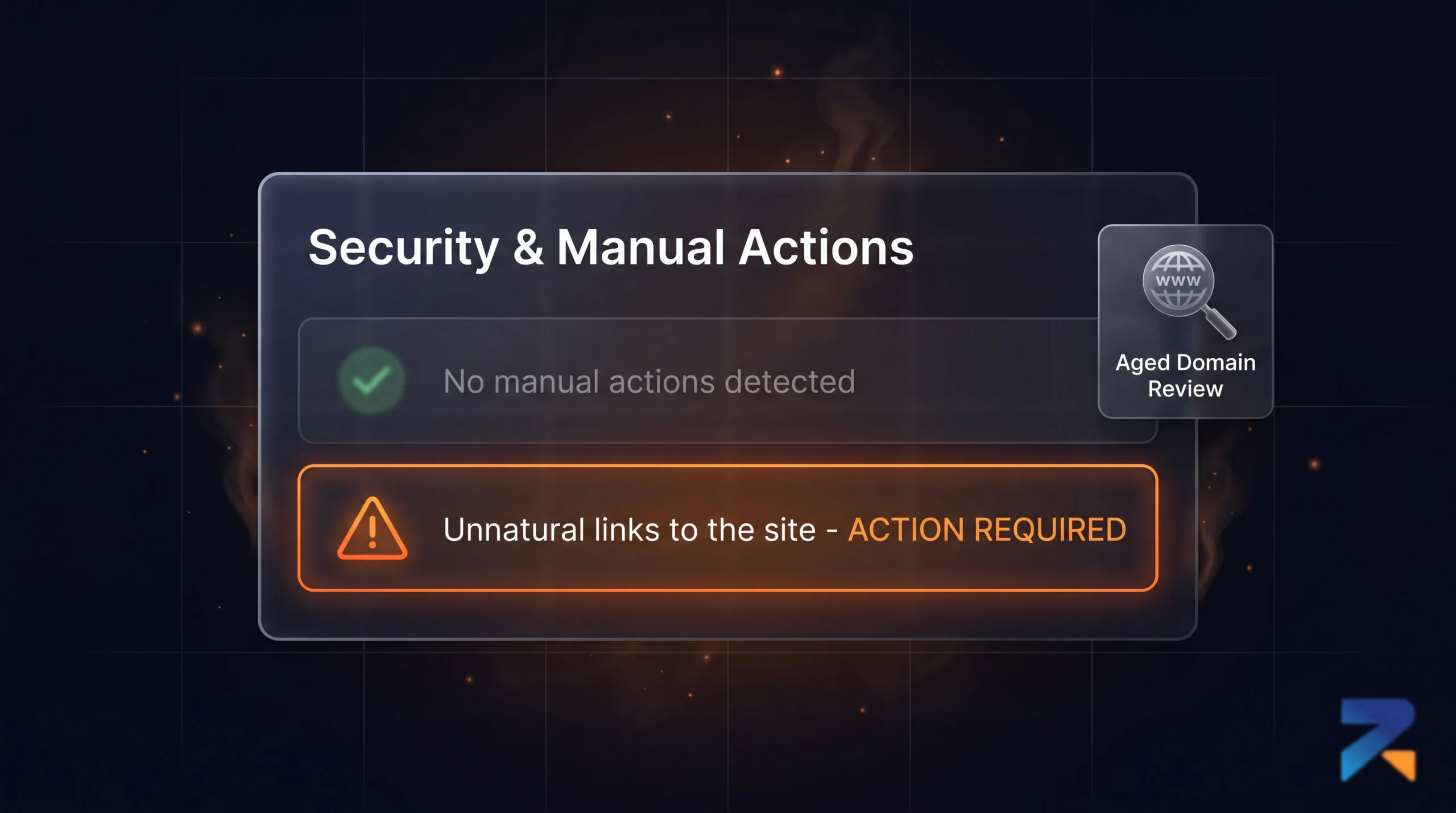
Open Security & Manual Actions, then Manual Actions.
Empty page with a green check means no active penalty from Google’s manual review team. If something’s listed, stop. Read it carefully before doing anything else with this domain.
Unnatural links to the site. Unnatural links from the site. Thin content with little or no added value. These show up disproportionately on gambling-adjacent domains, and each one comes with its own recovery process. Each one also means you’re starting from below zero, not zero.
A real situation we’ve seen: operator buys a domain, DR 35, decent referring domains, history as a sports content site. Builds the site, launches, waits. Three weeks pass with nothing. Not even the gradual climb you’d normally expect from an aged domain build.
They finally check GSC two weeks post-launch because something felt wrong. There it is manual action for unnatural inbound links, issued fourteen months before they bought the domain, never resolved. Previous owner just walked away instead of fixing it.
The penalty doesn’t care that ownership changed hands. It stays with the domain. That operator spent the next two months on a reconsideration request instead of writing content.
Do this check on day one. Before content, before redirects, ideally before DNS even finishes propagating.
Step 4: Security Issues
Right below Manual Actions sits Security Issues malware, hacked content, social engineering, harmful downloads.
Gambling-adjacent domains get targeted by hacks more than people expect. Cloaked redirects pointing somewhere else entirely, old injected spam pages that were never cleaned up properly.
Anything flagged here needs fixing and a review request before you build on top of it. New pages launched over an unresolved security issue can inherit some of that suspicion.
Step 5: Look at the Historical Performance Data
Open Performance, set the date range to maximum. GSC keeps roughly sixteen months.
A few things worth digging for here.
Old queries the domain used to rank for. Anything topically close to iGaming is worth noting for your content plan rather than ignoring.
Top pages by clicks and impressions historically useful if you’re setting up a 301 redirect to your money site, since these are the URLs carrying real equity and should get priority placement in your redirect map.
Traffic cliffs. A sudden drop on a specific date, checked against known core update timelines, tells you something. A domain that fell off during a confirmed update and stayed flat is a different risk than one that just quietly stopped getting updated.
Pairing this with what you’d find on the Wayback Machine gives you both halves of the story what the site looked like, and how Google reacted to it.
Step 6: Coverage Report
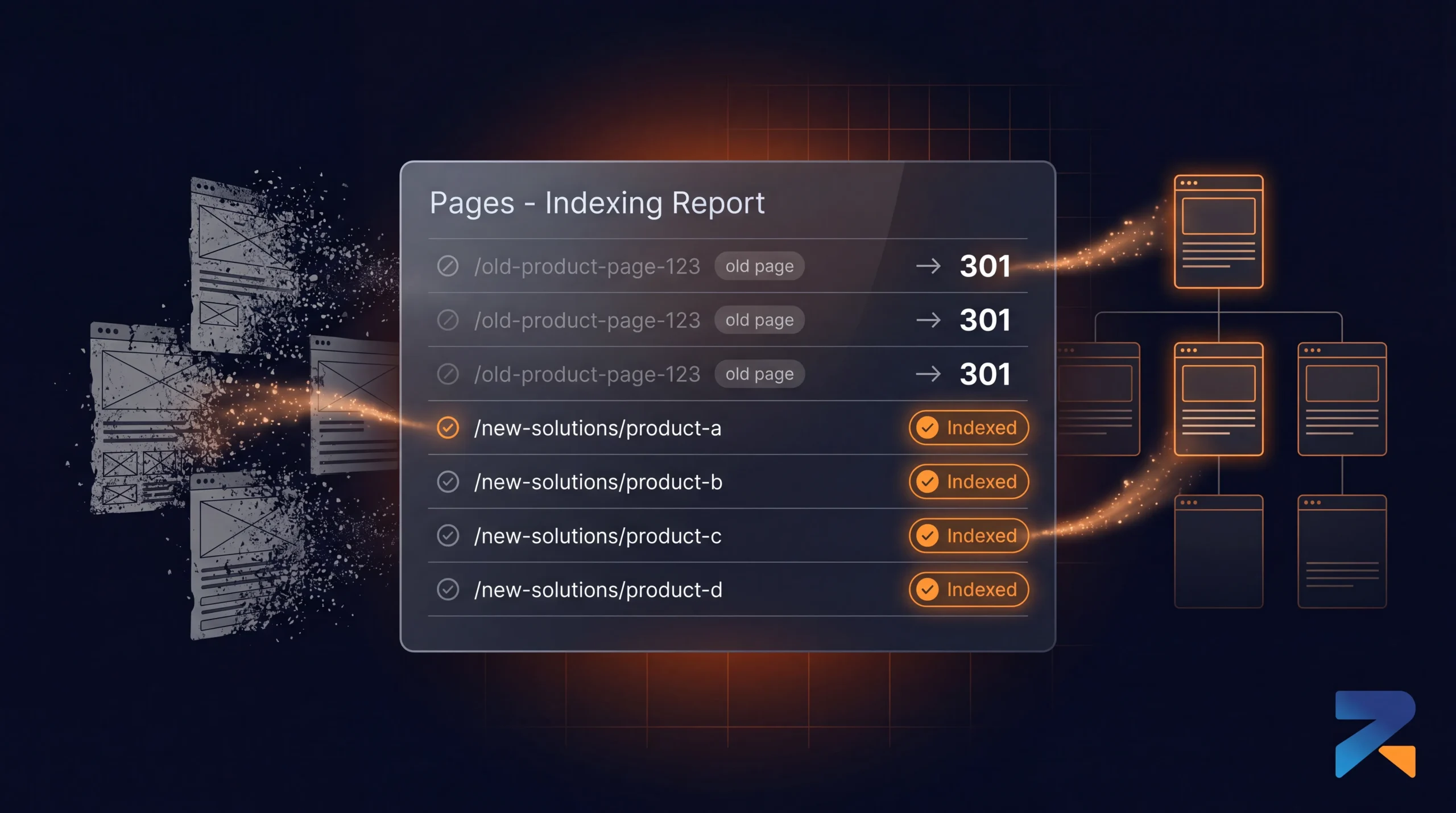
Under Indexing, open Pages. This shows what’s currently indexed, and just as important, why pages got excluded.
Aged domains almost always carry old baggage here. URLs from the previous structure, some already 404ing, some still live and serving content that has nothing to do with what you’re building now.
This ties directly into something we’ve written about separately aged domain indexation issues, where new pages on an aged domain struggle to get indexed because Google’s confused about what changed. A messy Coverage report on day one is usually the first sign that confusion is already starting.
Make a list of every URL still showing as indexed from the old site. Each one needs a decision attached redirect, let it 404 naturally, or in rare cases keep it if it’s genuinely still relevant.
Step 7: A New Sitemap, Not the Old One
Once your new structure is live, submit a fresh sitemap.xml under Sitemaps.
Don’t reuse whatever sitemap the previous owner left behind, even if it’s technically still loading at /sitemap.xml. That file describes a site that no longer exists, and leaving it active alongside your new sitemap sends conflicting signals about what this domain is now.
Generate one that matches your actual current URLs, submit that, and if the old file is still sitting on the server somewhere, take it down or let it 404 on its own.
Step 8: URL Inspection for Priority Pages
For the pages that matter most money pages, key category pages run them through URL Inspection and request indexing.
No guarantees here, and Google’s been clear it’s not a ranking factor. But on a domain that already carries some trust, this can speed up the first crawl noticeably compared to a brand new domain starting from nothing.
There’s a daily cap on these requests, and burning through it on every single URL on the site doesn’t help anything. Pick the ten or twenty pages that actually matter and focus there.
Where Operators Usually Go Wrong
The common pattern is treating GSC setup as something done after launch, almost as cleanup.
By then it’s too late to use the data the way it’s meant to be used. The redirect structure is already decided. Content’s already written. Subdomain strategy is locked in. All of it without knowing what Google’s actual relationship with this domain looks like.
If you’re migrating an existing iGaming site onto an aged domain, this needs to happen before the migration, not after. Manual action status and historical data should shape how that migration gets planned, not show up as a surprise once it’s already live.
The operators posting “why isn’t my aged domain working” three months later are usually the same ones who never opened Search Console until something had already gone wrong.
What to Actually Do
Verify the domain property through DNS first. Then check Manual Actions and Security Issues before touching anything else on the site. Pull sixteen months of Performance data and note old rankings or traffic cliffs. Go through Coverage and list every indexed URL from the old site. Only then start building your redirect map, content plan, and sitemap.
The whole process takes about an hour. Months of recovery from a hidden manual action, or rebuilding indexation trust because Google’s still confused about pages that died years ago, costs a lot more than that.
Rexusdomain pre-screens every domain for clean history before it’s listed. GSC verification after purchase is still on you though, and it belongs on the same checklist as checking DR and referring domains. It’s the difference between knowing exactly what you’re working with from day one, and finding out three months in that the ground wasn’t as solid as it looked.
Related Guides
- Best aged domain marketplaces 2026 — top 7 platforms ranked
- Best Aged Domain Marketplace for iGaming SEO (2026)
- How to Build a PBN for iGaming SEO Using Aged Domains
- Where to Buy Aged & Expired Domains in 2026: The Complete Buyer’s Guide
- Aged Domain Sellers You Can Trust: How to Vet a Premium Marketplace
- The First 30 Days After Buying an Aged or Expired Domain
Sources & Further Reading
Frequently Asked Questions
How do I set up Google Search Console for a newly acquired aged iGaming domain?
To set up Google Search Console for an aged iGaming domain: (1) go to search.google.com/search-console, click Add Property; (2) choose Domain property type for full subdomain coverage; (3) verify via DNS TXT record — add the provided TXT string to your domain registrar DNS settings; (4) submit an XML sitemap once verified; (5) check Manual Actions report immediately for any inherited penalties from previous ownership. The full verification process takes 24-72 hours for DNS propagation.
Should I use Domain property or URL-prefix property in Search Console for an aged iGaming domain?
Use Domain property (not URL-prefix) for aged iGaming domains. Domain property covers all protocols (HTTP and HTTPS), all subdomains, and all URL variants, providing complete coverage with a single GSC property. URL-prefix properties only cover the exact URL prefix you specify (https://www.domain.com only, not http:// or non-www variants). Aged domains often have historical links to multiple URL variants — Domain property captures all traffic and coverage data from every variant automatically.
What should I check in Google Search Console immediately after acquiring an aged iGaming domain?
Check in this priority order: (1) Manual Actions report — existing unresolved penalties follow the domain and must be identified immediately; (2) Coverage report — identify which legacy pages are indexed and whether thin content from previous owners needs removal; (3) Links report — confirm inherited backlinks match what was shown in the pre-purchase Ahrefs/Majestic reports; (4) Core Web Vitals — check for server performance issues on the existing hosting; (5) Security Issues — confirm no malware or hacking from previous neglect.
How does Google Search Console help monitor link equity transfer from an aged iGaming domain 301 redirect?
After implementing a 301 redirect from an aged domain to a money site, monitor both GSC properties: the aged domain property should show Coverage report entries transitioning from Indexed to Redirected within 4-8 weeks. The money site property should show increasing impressions for keywords the aged domain previously ranked for. The Links report on the money site should begin reflecting the inbound links from the aged domain legacy backlink profile within 60-90 days.
Can Google Search Console reveal manual penalties from previous owners of an aged iGaming domain?
Yes. Google Search Console Manual Actions report displays all active manual penalties attached to the domain regardless of ownership history. If the previous owner received a penalty for link schemes or thin content, that penalty appears in your GSC account the moment you verify ownership. Manual actions do not expire — they remain active until you submit a reconsideration request with documented evidence of correction and Google reviews and approves the request.
How do I use the Change of Address tool in GSC when migrating from a fresh domain to an aged iGaming domain?
Use GSC Change of Address tool after a complete 301 redirect from the old domain to the aged domain: verify both the old and new domain in Search Console, implement all 301 redirects, then navigate to Old Domain GSC Settings and select Change of Address, specifying the new aged domain as the destination. This tool signals to Google that the migration is intentional, accelerating ranking transfer recognition. The tool expires 180 days after submission and should only be used once per domain pair.